
Set up support
- Open Help desk → Desk settings as an administrator with
support.manageand enable the desk. - Set a time zone, working days and holidays. Check the Standard, Priority and Urgent business-minute goals.
- Add groups and categories, with their default group, priority and tier. Invite agents through Team and grant their support access.
- Configure email, review the editable support templates and test delivery. Add macros and publish your first articles.
- Review ticket, reopen, pending-nudge, pending-close and retention limits. Decide whether server managers may see related tickets.
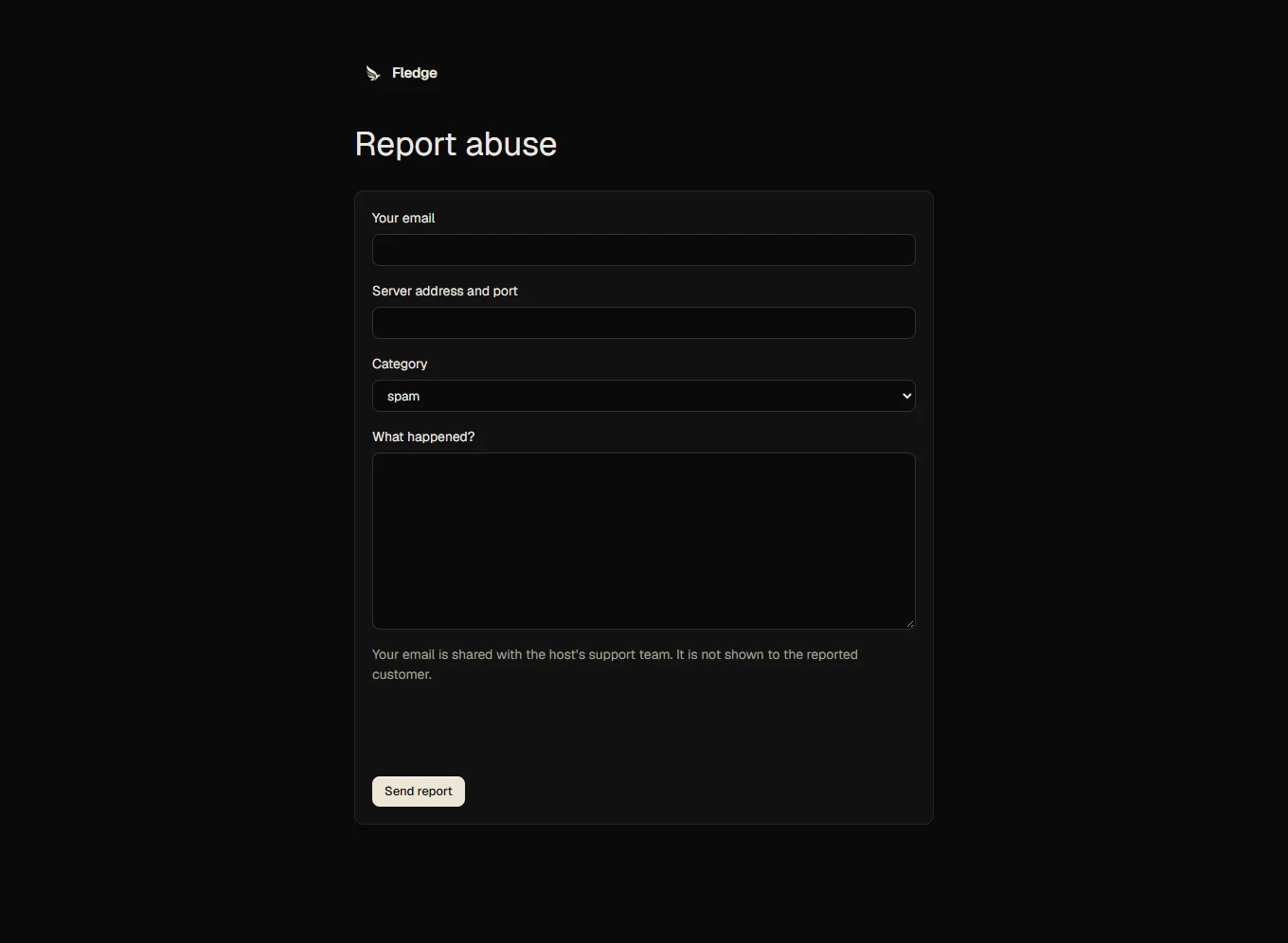
- If needed, enable public articles and the abuse form. Abuse reports require configured Turnstile or hCaptcha bot protection; the form stays unavailable without it.
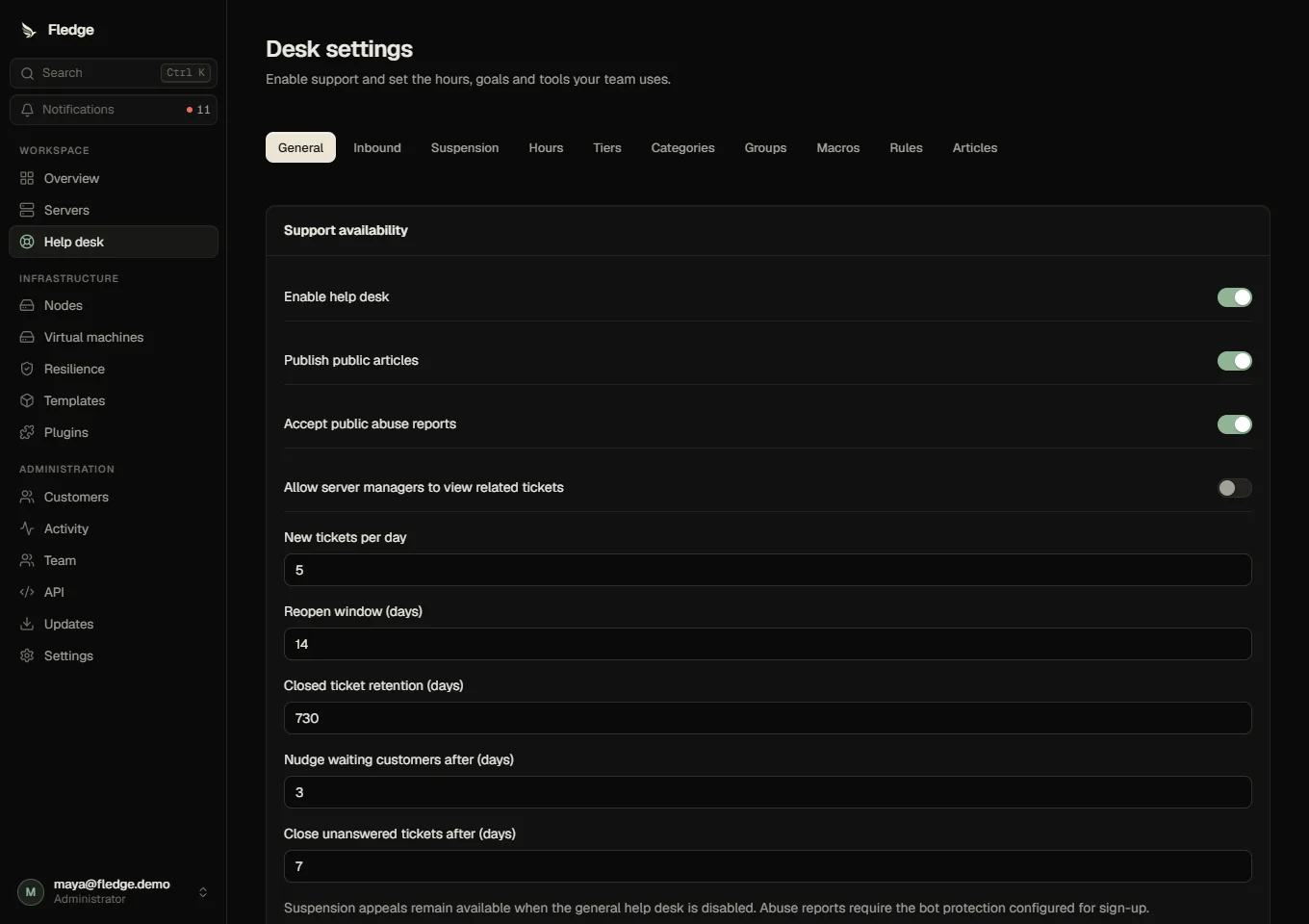
New tickets default to five per day. Closed-ticket personal data is removed after 730 days. Attachments are capped at 5 MB per file, 25 MB per ticket, ten per message and 50 MB uploaded per account in 24 hours. There is no virus scanner.
Suspension defaults have a separate tab. Appeals remain usable when the desk is off. Destructive suspension retention is off by default; enabling it schedules only account-held servers for deletion.
Optional inbound email
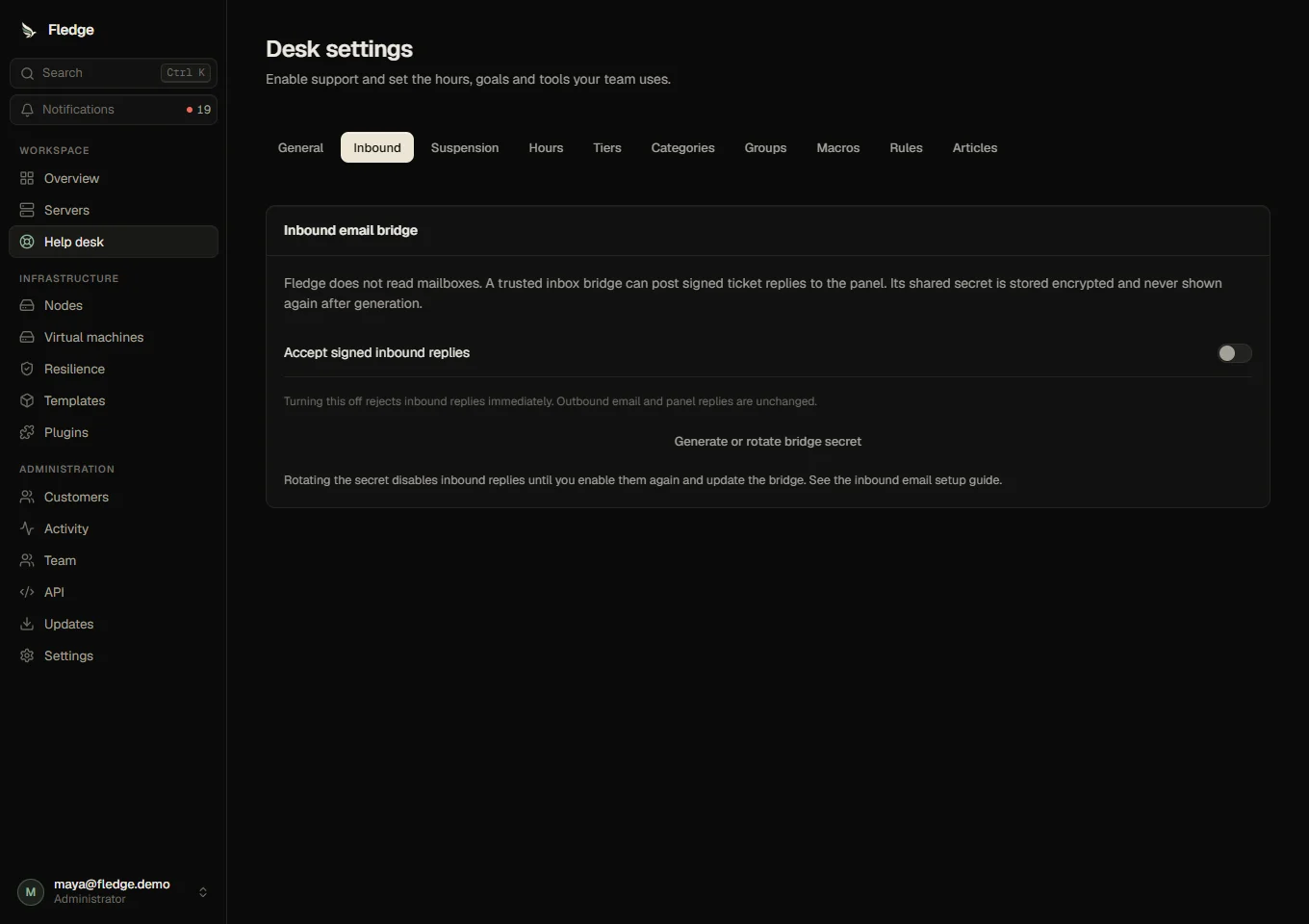
Outbound replies use the existing retrying outbox. Inbound email needs a trusted inbox bridge that reads your mailbox and forwards structured replies. Fledge does not poll a mailbox itself. In Help desk → Settings → Inbound, generate a secret, copy it into the trusted bridge, then enable signed inbound replies. Fledge stores the key encrypted and shows it only once. Disable inbound replies there to reject new messages immediately; rotation disables the bridge until its new key is copied and enabled.
The bridge extracts the signed reply reference from the outgoing message, splits it into ticket ID and reply token, and posts to /api/support/inbound:
{"ticketId":"ticket-uuid","replyToken":"64-character-hex-token","from":"customer@example.com","text":"Reply text","messageId":"unique-mail-message-id"}X-Support-Timestamp is the current Unix time in seconds. X-Support-Signature is hexadecimal HMAC-SHA256 of that timestamp, a newline and JSON.stringify(payload), using the bridge secret. The timestamp must be within five minutes. The ticket token and requester email must match; sender alone never grants access. Duplicate message IDs are acknowledged without another message. Quoted history is trimmed and closed tickets require panel reopening. The secret belongs only to the API and bridge.
See security and retention, events and API reference.