Email templates
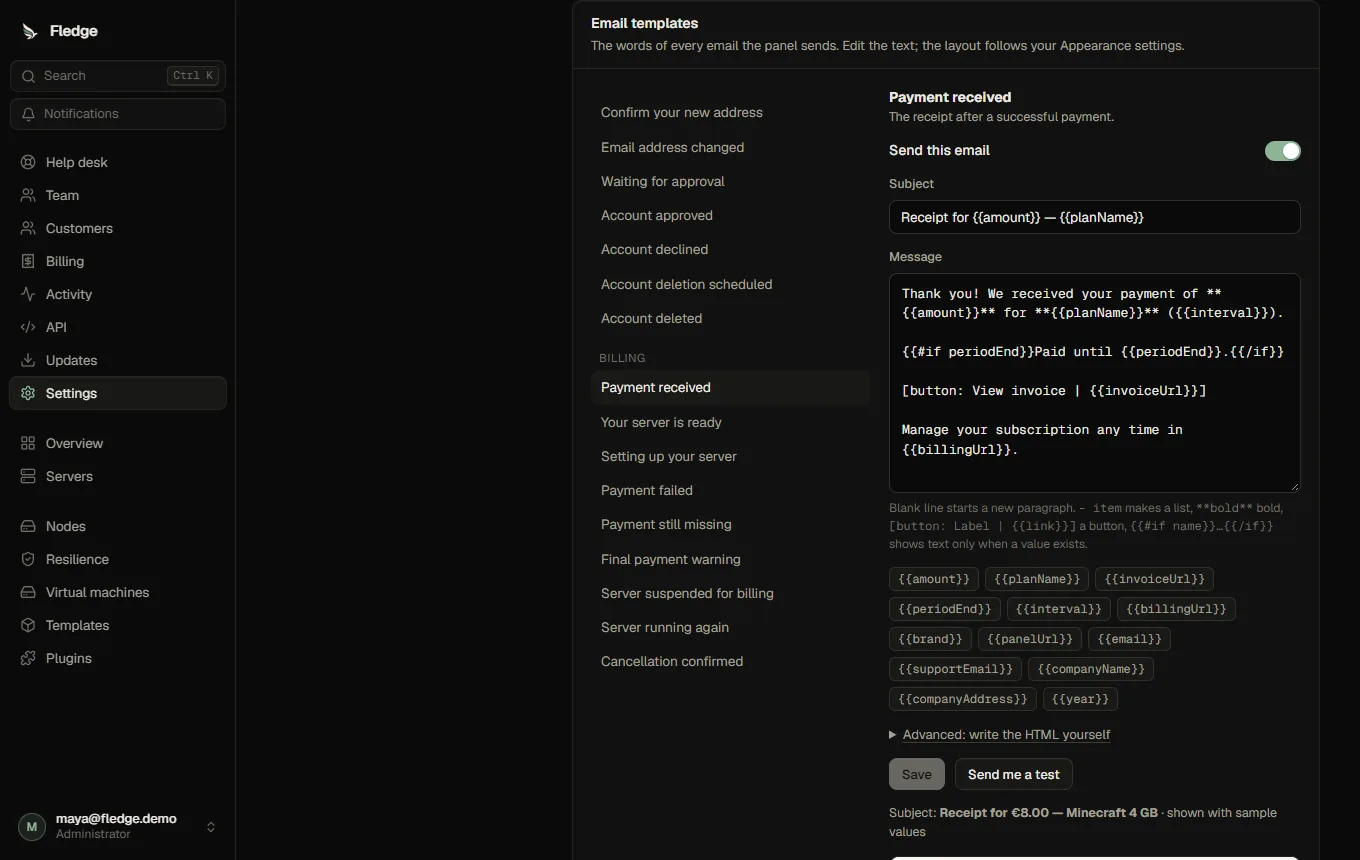
Every email the panel sends has a template you can edit: Settings → Customers, store and email → Email templates. The list on the left groups them (Account, Billing, Limits, Administrators); changed ones are marked Edited. The complete list with every variable is in the reference.
Editing
Each template has a subject and a message. The message is plain text with a few simple marks:
- A blank line starts a new paragraph.
- Lines starting with
-make a bullet list. **bold**makes bold text.- A line like
[button: Open the panel | {{panelUrl}}]makes a call-to-action button (in the plain-text version it readsOpen the panel: https://…). {{name}}is replaced by a value, for example{{planName}}.{{#if periodEnd}}Paid until {{periodEnd}}.{{/if}}shows its text only when the value exists.
Click a variable chip to insert it. The preview below the editor updates as you type, with sample values, and shows what is wrong before you save: unknown variables, an unclosed {{#if}}, an empty subject, or (for emails that carry a one-time link) a message that dropped {{link}}. Send me a test sends the template to your own address. Reset to the original goes back to the built-in text.
Values are escaped for the HTML version, so a server named <b>x</b> cannot inject markup. Templates cannot run anything: there are no loops, no expressions and no way to set headers. Links in buttons must start with http:// or https://.
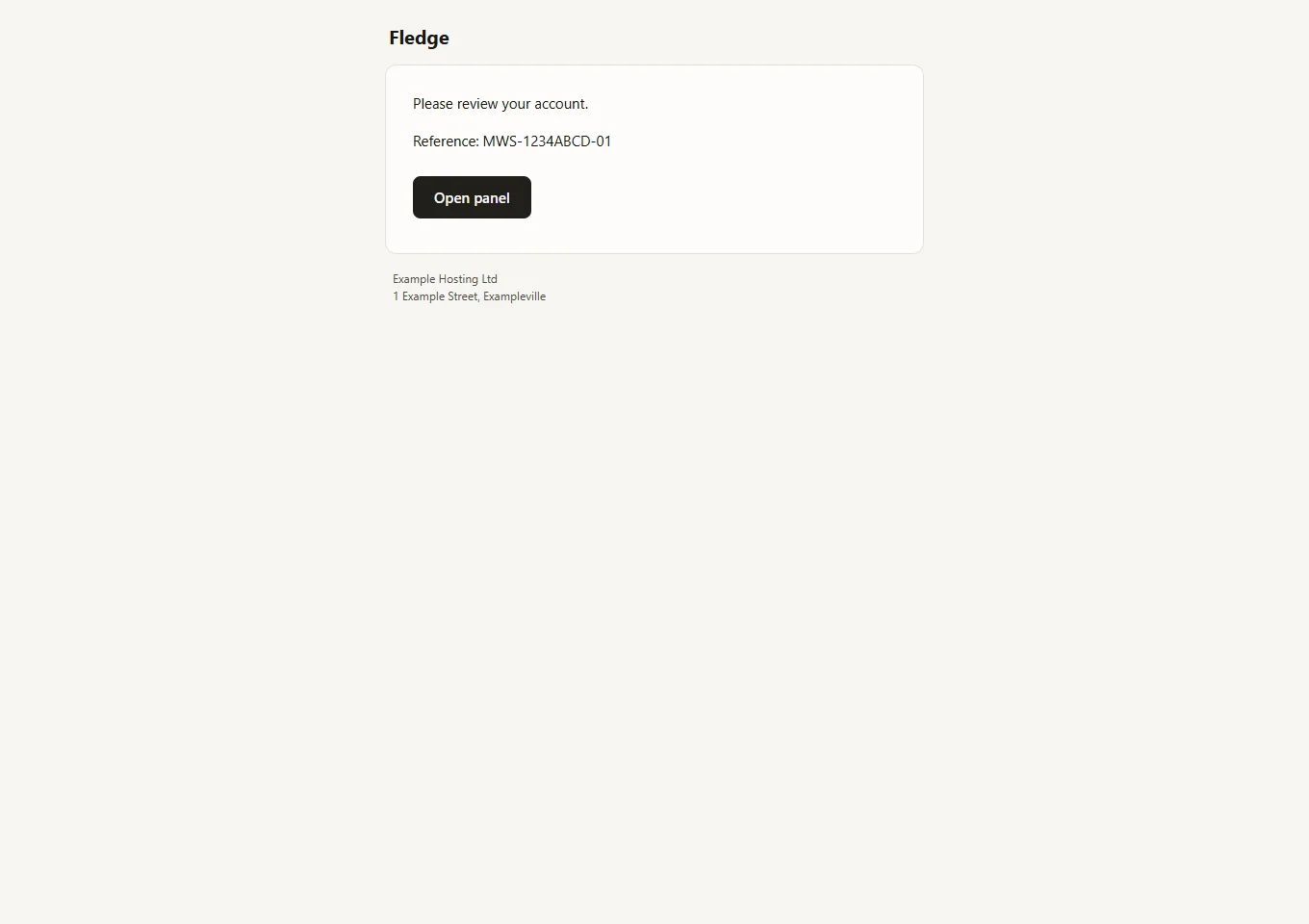
The HTML version is generated for you in a clean layout that follows your Appearance: the panel name or wide logo (when the panel is reachable over https), your light-theme colours for the button, and the company name and address from the store settings in the footer. Under Advanced you can paste your own full HTML instead.
Emails that must always go out (sign-in links, password and billing-critical notices) cannot be switched off; the others have a Send this email switch.
Delivery
Mail leaves immediately. If the mail server is down, the message is kept and retried with growing pauses (a minute, two, four, up to six hours), up to the number of attempts you choose (8 by default), and then marked failed. The sending rate is capped per minute to stay under your provider's limit. Messages that wait for more than a week without a working mail server are given up on.
The delivery log (just below the templates) lists recent messages with status, number of attempts and the last error, and lets you try one again. It keeps 30 days by default, and message text is removed after 7 days (only the fact that it was sent stays).
Under Settings → Email you can also set a Reply-To address, a copy address that receives a copy of receipts and billing alerts for administrators, the sending rate, the number of attempts and how long the log is kept.
Security notices
Besides the emails you expect, the panel emails a person when their password or email address changes. These are on for everyone and cannot be turned off.
API
GET /api/email/templates, PUT|DELETE /api/email/templates/:id, POST /api/email/templates/:id/preview|test, GET /api/email/outbox, POST /api/email/outbox/:id/retry. See the API reference.
Suspension and support mail
Mews adds editable suspension, appeal, support receipt/reply, resolution, closure, nudge, rating and deadline-warning templates, plus team transfer confirmation. They share the normal preview, linting, delivery log and retrying outbox. See the generated template reference.