
Customer support
When the host enables support, Help centre contains popular answers and your tickets. Search looks through published article content and your ticket replies. Ticket numbers are references; they never grant access to another customer's conversation.
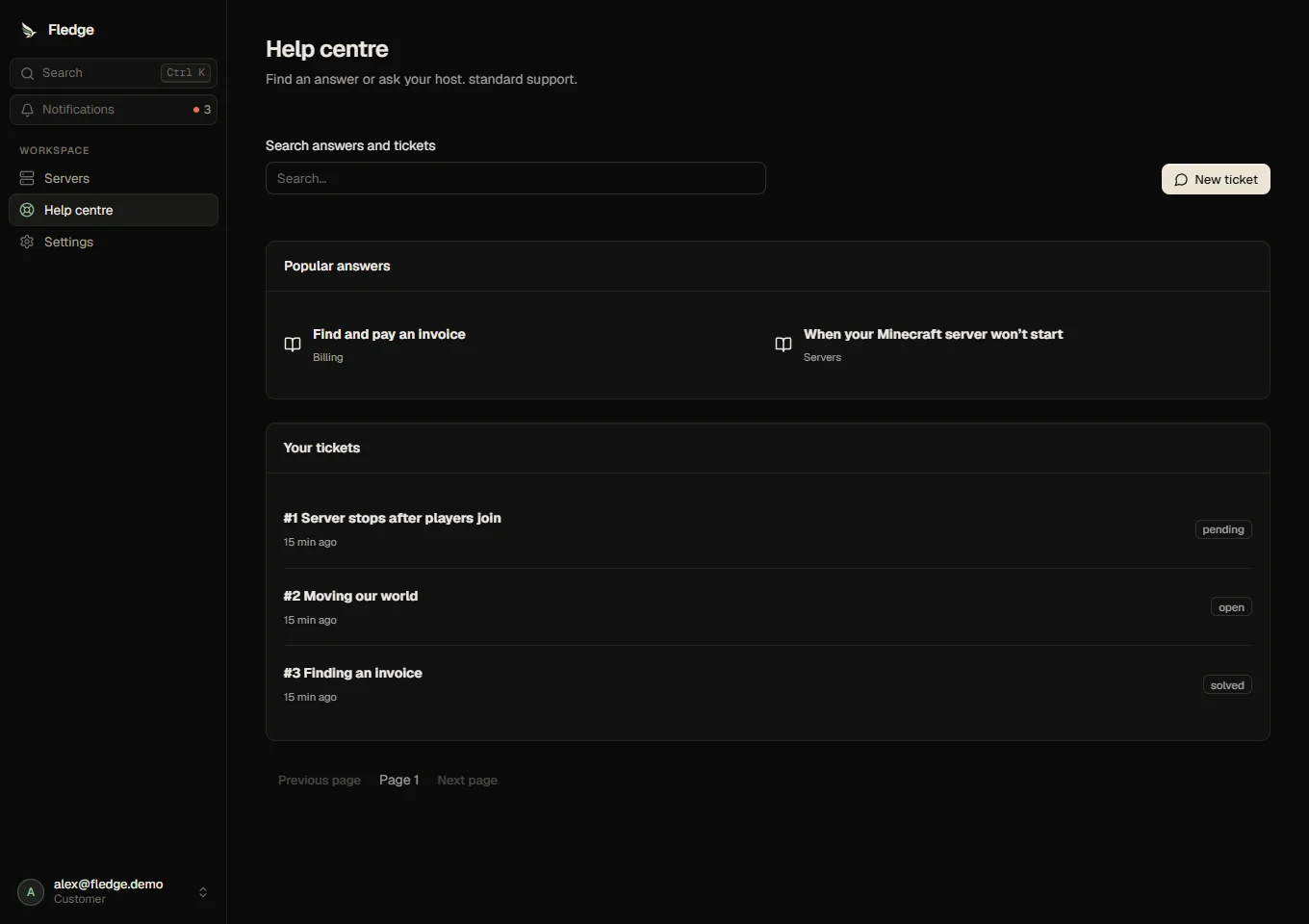
Ask a question
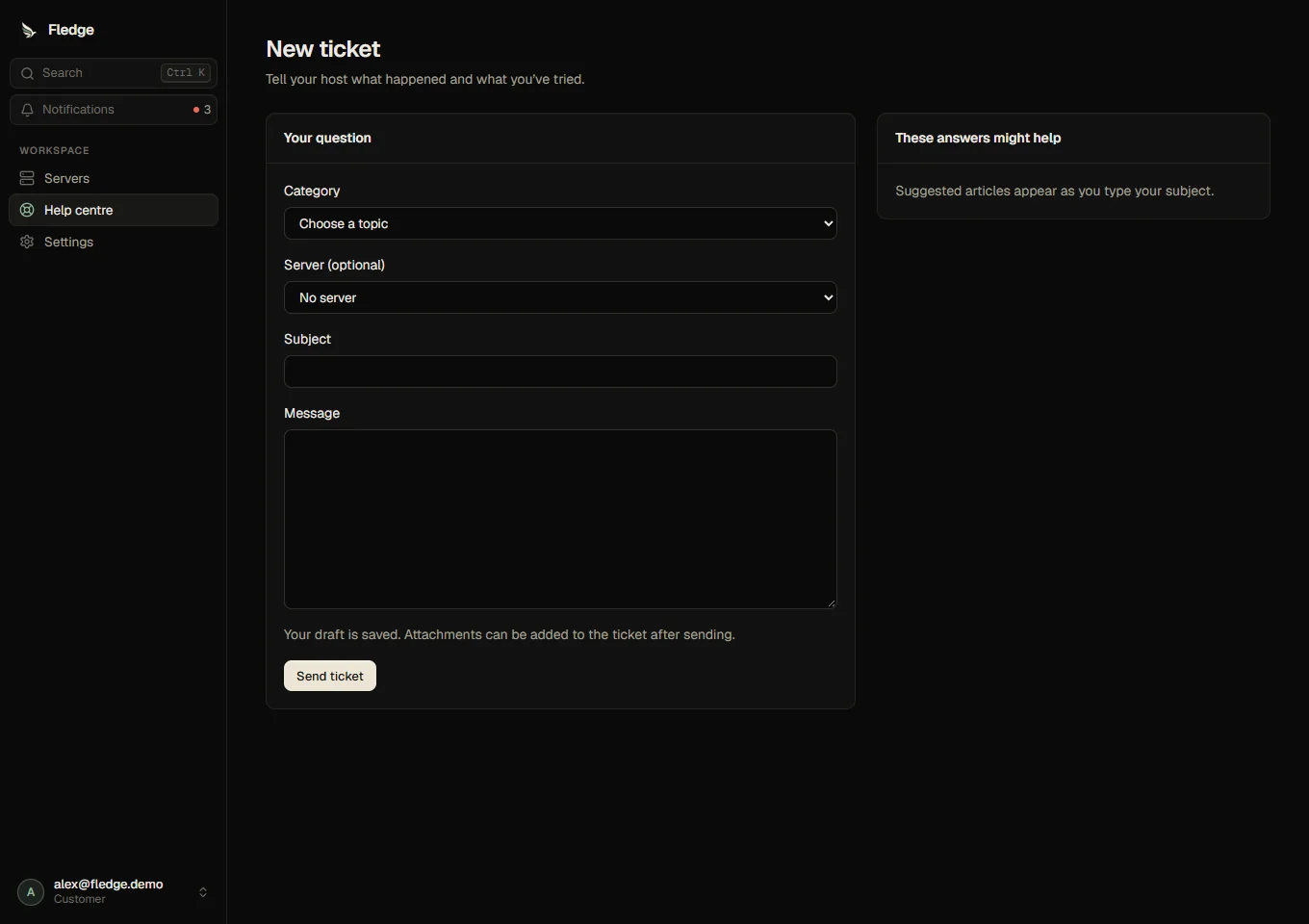
Choose New ticket, a category, an optional server and a subject. Relevant articles appear as you type. Describe what happened and what you tried. Your draft is saved to your account.
Selecting your own server offers a preview of diagnostics collected by the panel. They include resources, state and up to one hundred currently available console lines, with credential redaction. Nothing is attached until you opt in. Check the preview before sending. Console history is short-lived, so older lines might be unavailable.
The host controls daily new-ticket limits and the May open support tickets permission. Replies have a separate rate limit. Attachments can be added in the thread after creation.
Continue and resolve
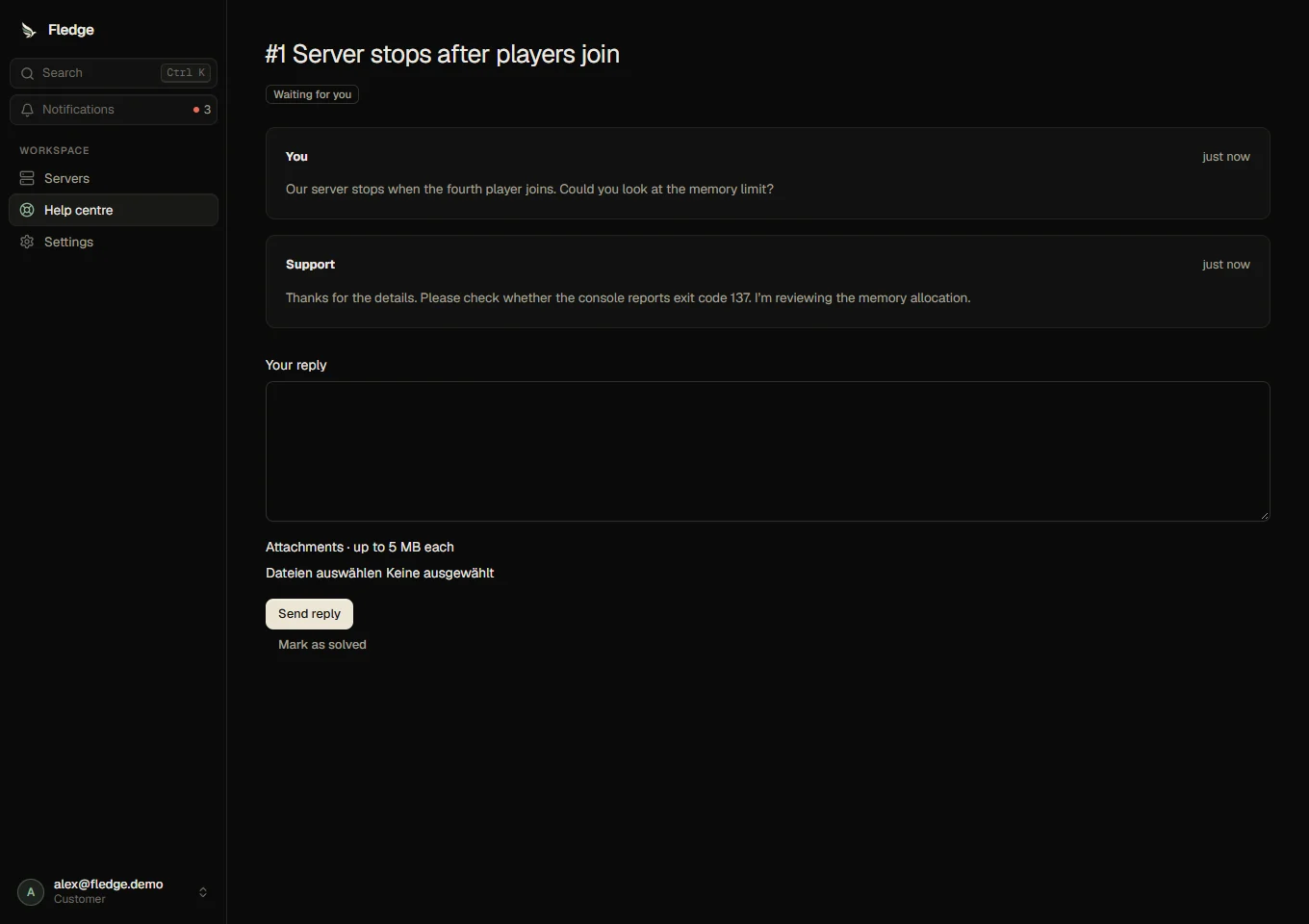
Reply from the thread. A pending ticket is waiting for your response. When the question is resolved, you or the host can mark it solved. You can reopen during the host's configured window, and rate a solved ticket once from one to five stars with an optional comment. Closed general-support tickets cannot be reopened. An active suspension appeal can always be reopened from the suspension screen while appeals are enabled.
Customers never receive internal notes, private assignments, tags, deadlines or agent-only events. If enabled by the host, a server collaborator with Manage can read and reply to tickets about that server; abuse reports are excluded.
Suspended accounts use only the one ticket linked to their suspension through Talk to your host. General support being disabled does not remove that appeal.