
The help desk
The built-in help desk is optional and off initially. Enable it under Help desk → Desk settings. Suspension appeals have their own availability setting and remain usable independently.
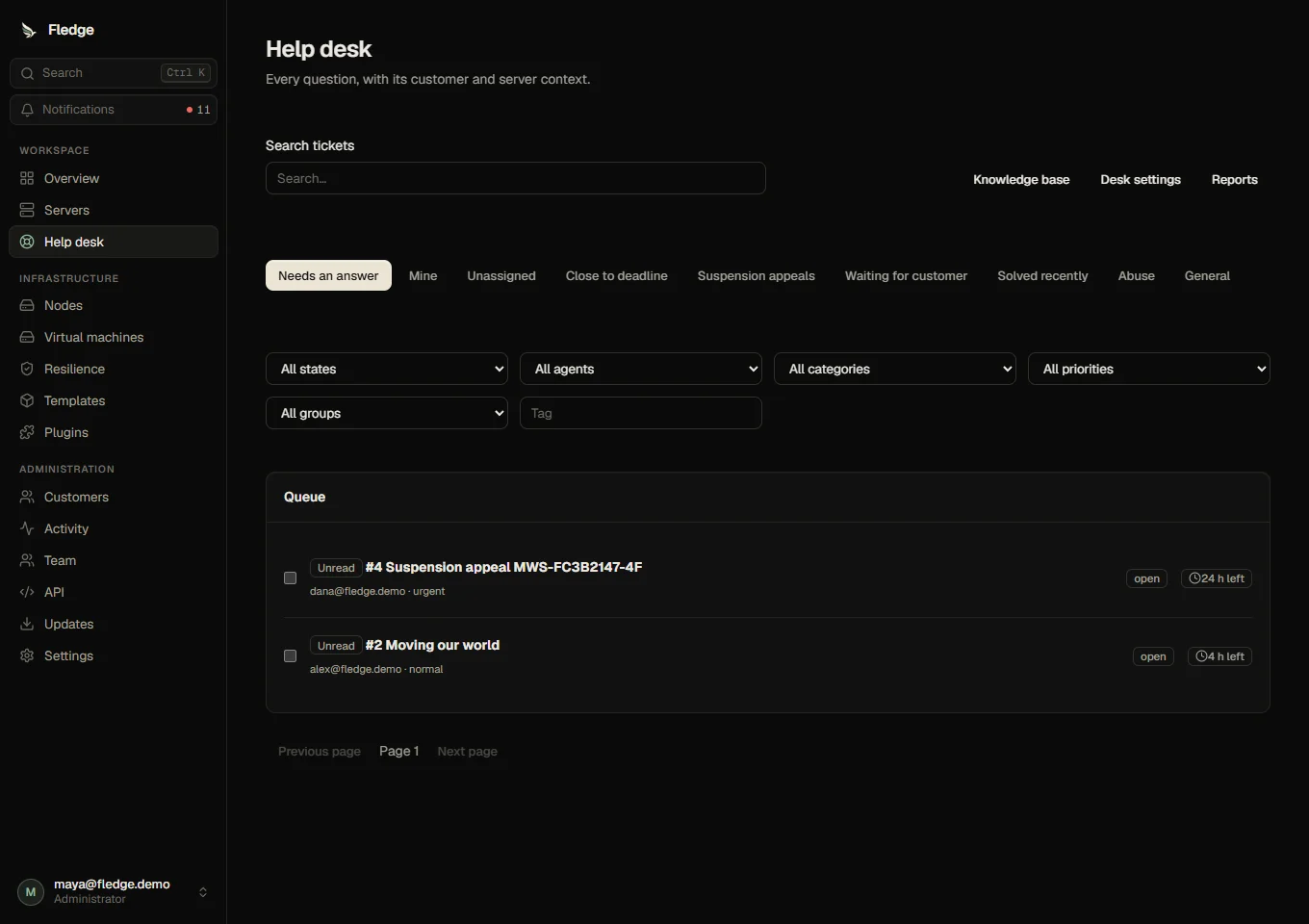
Work from the queue
Use Needs an answer, Mine, Unassigned, Close to deadline, Suspension appeals, Waiting for customer or Solved recently. Filter by status, assignee, category, priority, group or tag. Group views narrow the queue to a team. Search matches ticket numbers, subjects, messages, customer emails and linked server names. The queue orders deadlines first. Select tickets to assign, solve, prioritise or tag them together. Unread markers clear when an agent opens a ticket; pagination reaches older tickets. j and k move focus through queue links; Enter opens the focused ticket. / focuses search; customer n opens a new ticket when focus is outside an input.
Reply with context
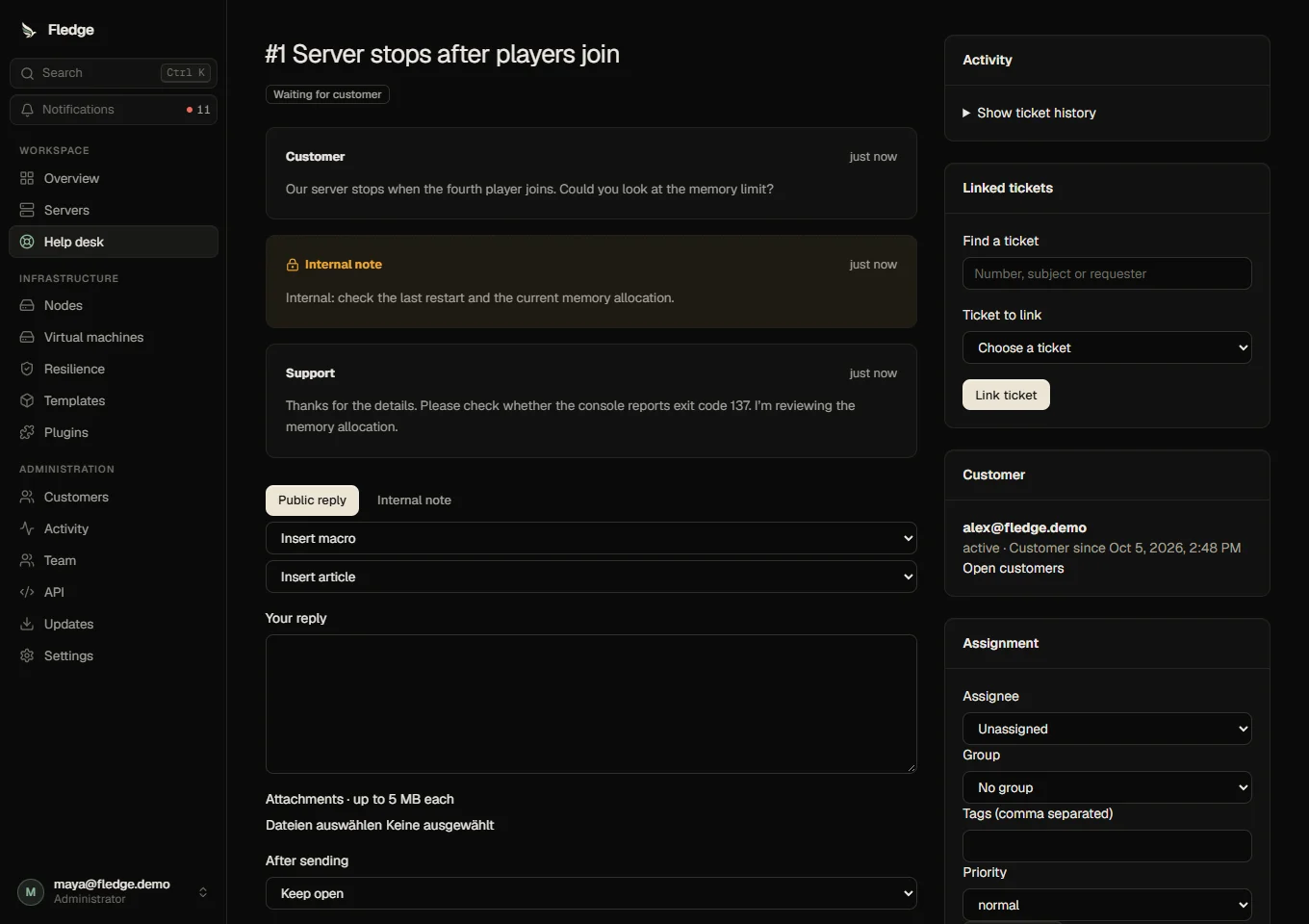
Public replies are sent to the requester. Internal note is visible only to the team and sends no customer email. The composer saves drafts, uploads attachments and can leave the ticket open, wait for the customer or mark it solved. Insert a macro or article link. A macro shortcut followed by a space expands its text; , , and are replaced. A presence warning identifies other agents viewing the ticket.
The sidebar shows linked tickets, the activity and automation log, assignment, status, priority, tags, diagnostics and other tickets. Server links and power actions follow the acting agent's grants. Invoice context requires billing.view. Appeals provide a lift button to agents with customers.suspend. All mutations use the ordinary audited APIs.
Goals and rules
Set the time zone, working windows and holidays in Desk settings. First reply and resolution goals use business minutes. Waiting for the customer pauses both deadlines; a customer reply resumes them. Standard, Priority and Urgent tiers are built in. A plan can grant Priority; urgent categories, abuse and suspension appeals use Urgent.
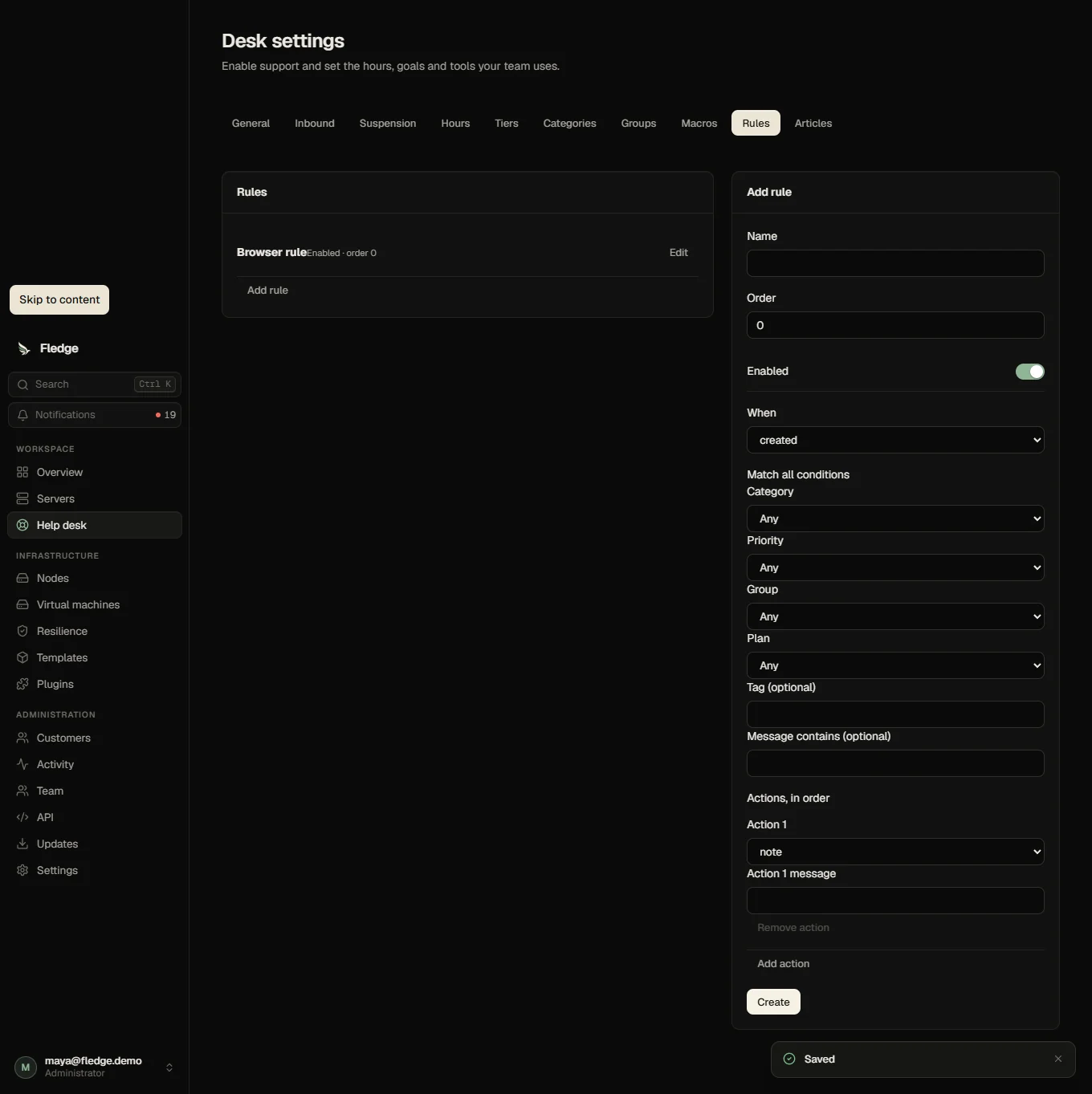
Rules run in position order. Supported triggers are creation, customer or agent replies, status changes, pending days and percentage of deadline used. Conditions include category, priority, plan, tag, group and message text. Actions assign, set group/priority/status, add tags, email, notify or post internal notes. Temporal rules run once per waiting period or deadline cycle, and each run is recorded on the ticket. Rules do not evaluate arbitrary code.
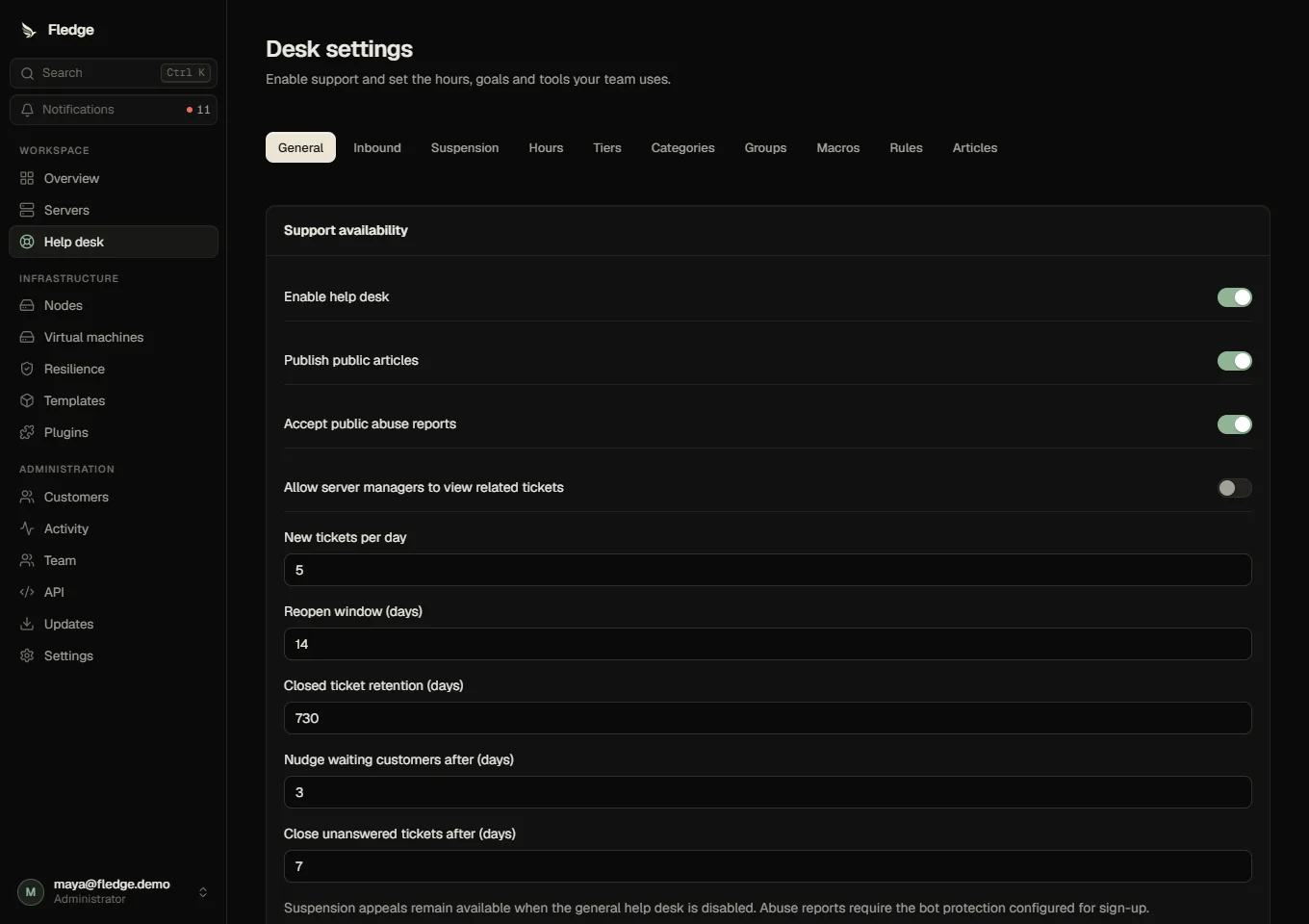
Edit groups, categories, macros and rules in place. Rule conditions are combined with AND; actions run in the displayed order.
Reports
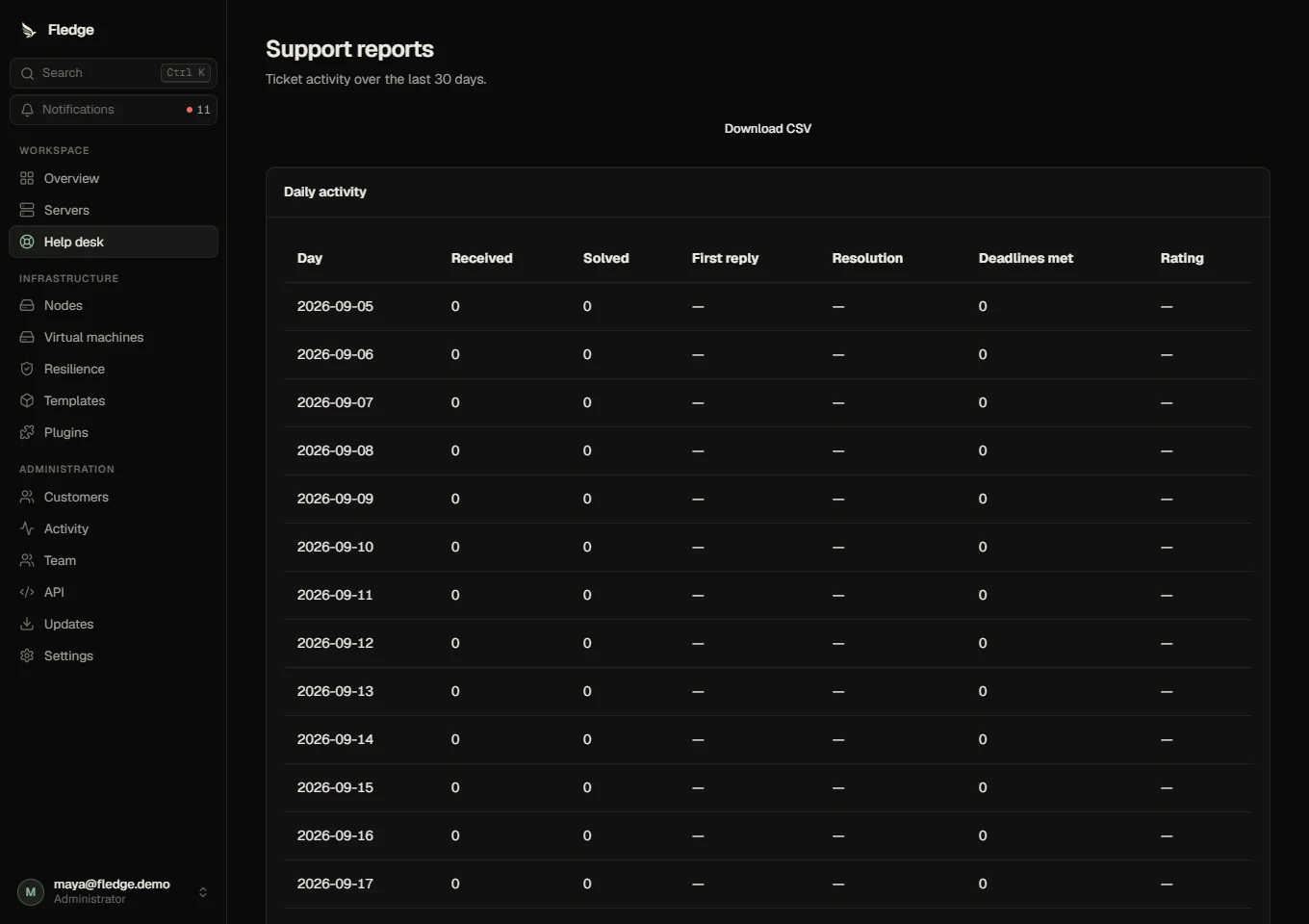
Reports cover ticket activity over the last thirty days, first response and resolution time, ratings and deadline success, category and assignee totals, and unanswered article searches. CSV export and Prometheus support series use the same database records. Article votes indicate whether an answer helped; they do not prove that a ticket was avoided.
See first setup, customer experience, knowledge base and privacy.