
Using the plugin store
Plugins (administrators) has a Store and an Installed tab.
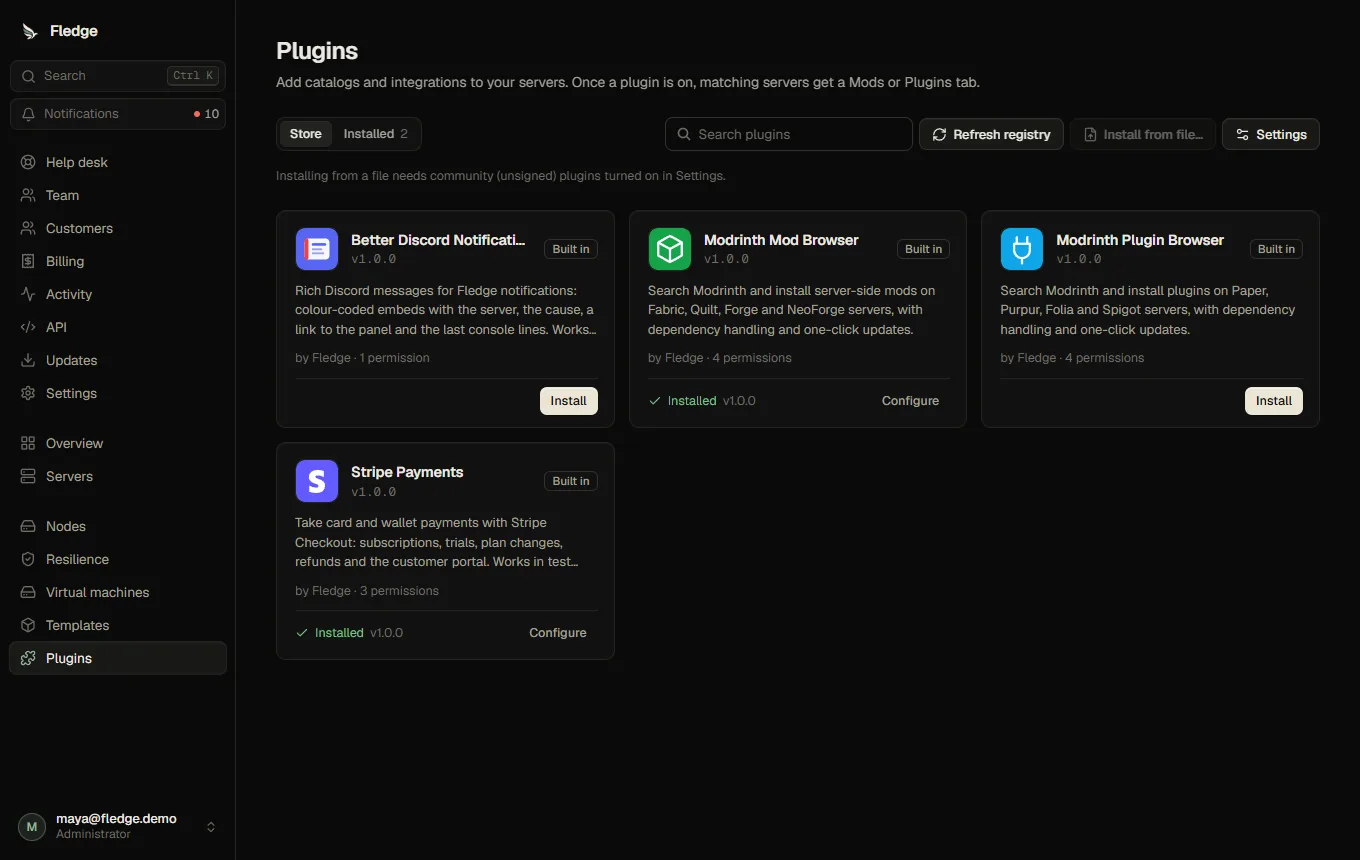
Install
- In Store, open a plugin. The store lists the bundled plugins and, when a registry is reachable, signed community plugins. Refresh fetches the registry again.
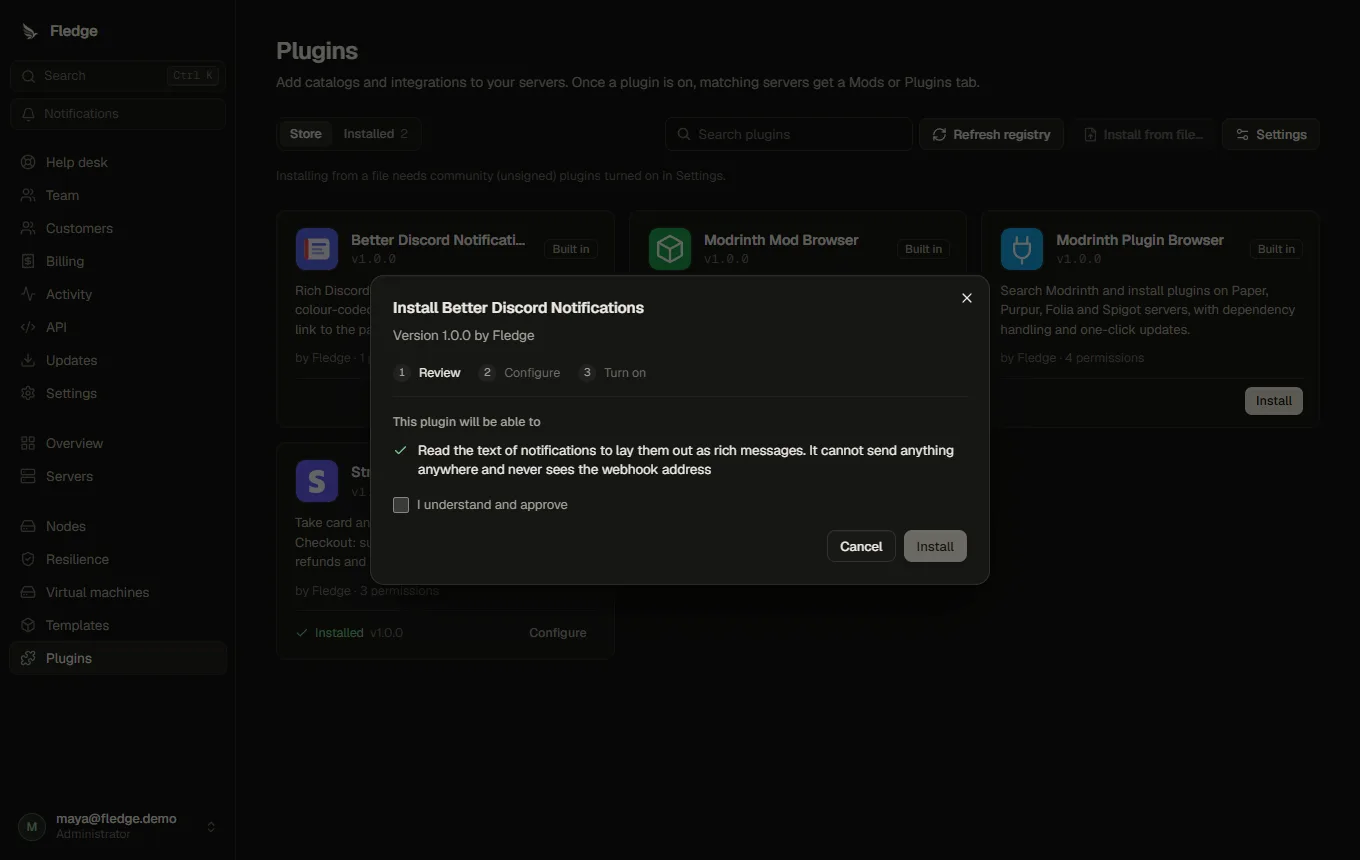
- The install wizard shows what the plugin may do, in plain language: "Connect to api.modrinth.com", "Receive each server's game type, loaders and Minecraft version", "Add and remove files in server folders you open its tools on".
- Approve the permissions, fill in the settings (secret fields are write-only; a Test connection button checks the catalog), and turn it on.
Install from file accepts a .fledgeplugin package. It needs Allow community plugins (Plugins → Settings) and shows a clear warning, because community plugins are not reviewed by anyone.
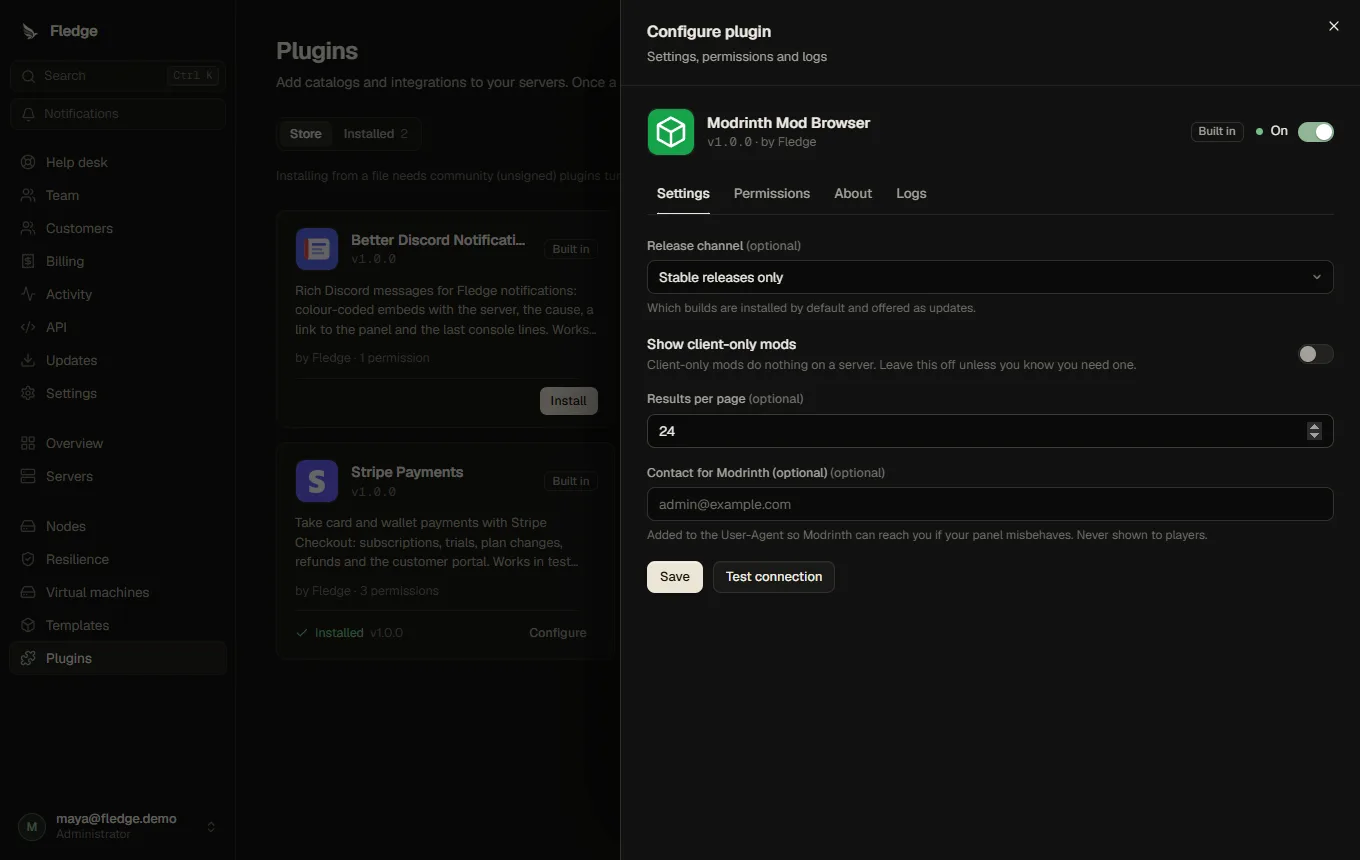
Configure
Open an installed plugin for four tabs: Settings, Permissions, About (README and changelog) and Logs (the last 500 lines the plugin and the panel logged for it).
Update and roll back
When the registry offers a newer version the store shows Update available. An update that asks for new permissions is refused until you approve them again. The previous version is kept so you can roll back; settings the new version no longer declares are kept aside and restored by a rollback.
Turn off and remove
Turning a plugin off stops serving its catalogs (Mods/Plugins tabs disappear) but keeps its settings and the add-ons already installed. Uninstall removes the plugin and its storage; files it installed stay on the servers and in the list of unmanaged files.
A plugin is switched off automatically after five consecutive failures of its own code (script errors, oversized results, host errors, timeouts of its own code). You see the reason and are notified. A catalog that is merely slow is reported as an upstream timeout and never counts.
Plugin settings (registry and trust)
Plugins → Settings:
| Setting | Meaning |
|---|---|
| Registry URL | HTTPS address of a signed plugin index. Default is the one in the Fledge repository; leave it empty to turn the registry off (bundled plugins still work) |
| Trusted keys | Ed25519 public keys (base64). Registry entries signed by one of them are Verified |
| Allow community plugins | Off by default |
Fledge ships with no built-in trusted key: add the keys you trust.
Using the result
Once a catalog plugin is on, matching Minecraft servers get the Mods or Plugins tab: see Mods and plugins (add-ons). Custom templates opt in with add-on rules.
Auditing
Install, update, enable, disable, settings changes, rollback, uninstall and automatic shut-off are written to the audit log, as is every add-on install, update and removal.