
Mods and plugins (add-ons)
Servers whose template supports add-ons get a Mods or Plugins tab (Add-ons for custom kinds), provided by a catalog plugin such as the bundled Modrinth Mod Browser or Modrinth Plugin Browser. The tab appears for users with the files permission.
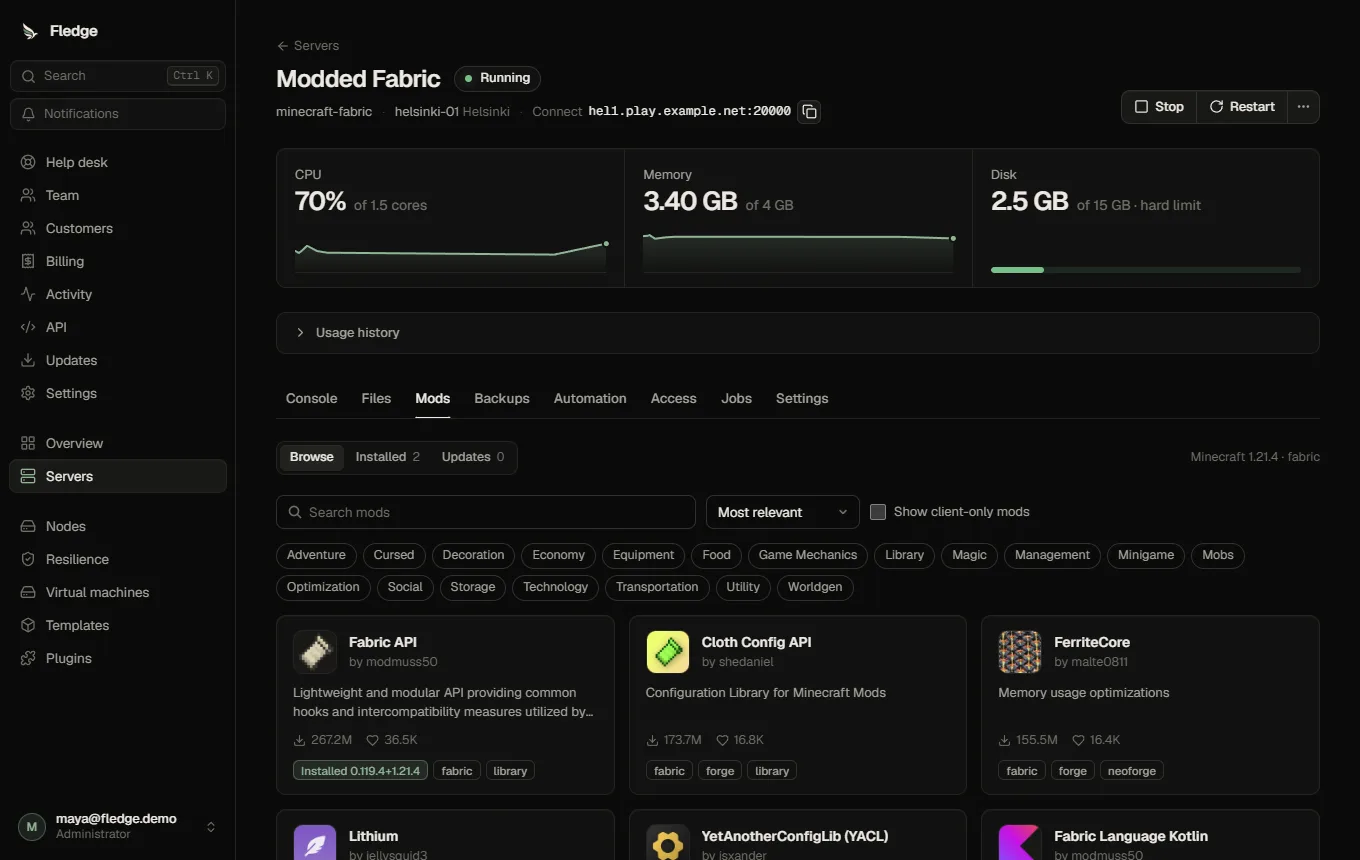
Which tab a server gets
The template's add-on rules map the server's type to a kind and folder:
| Server type | Tab | Loader filter | Folder |
|---|---|---|---|
| Fabric, Quilt, Forge, NeoForge | Mods | the matching loader | /mods |
| Paper, Purpur, Folia, Spigot (and Bukkit forks) | Plugins | the matching platform | /plugins |
Results are filtered for the server's loader and Minecraft version. A server on LATEST shows a hint, because compatibility is checked against a concrete version.
Install
- Browse (search, sort, categories) and open a project for its description, gallery and versions.
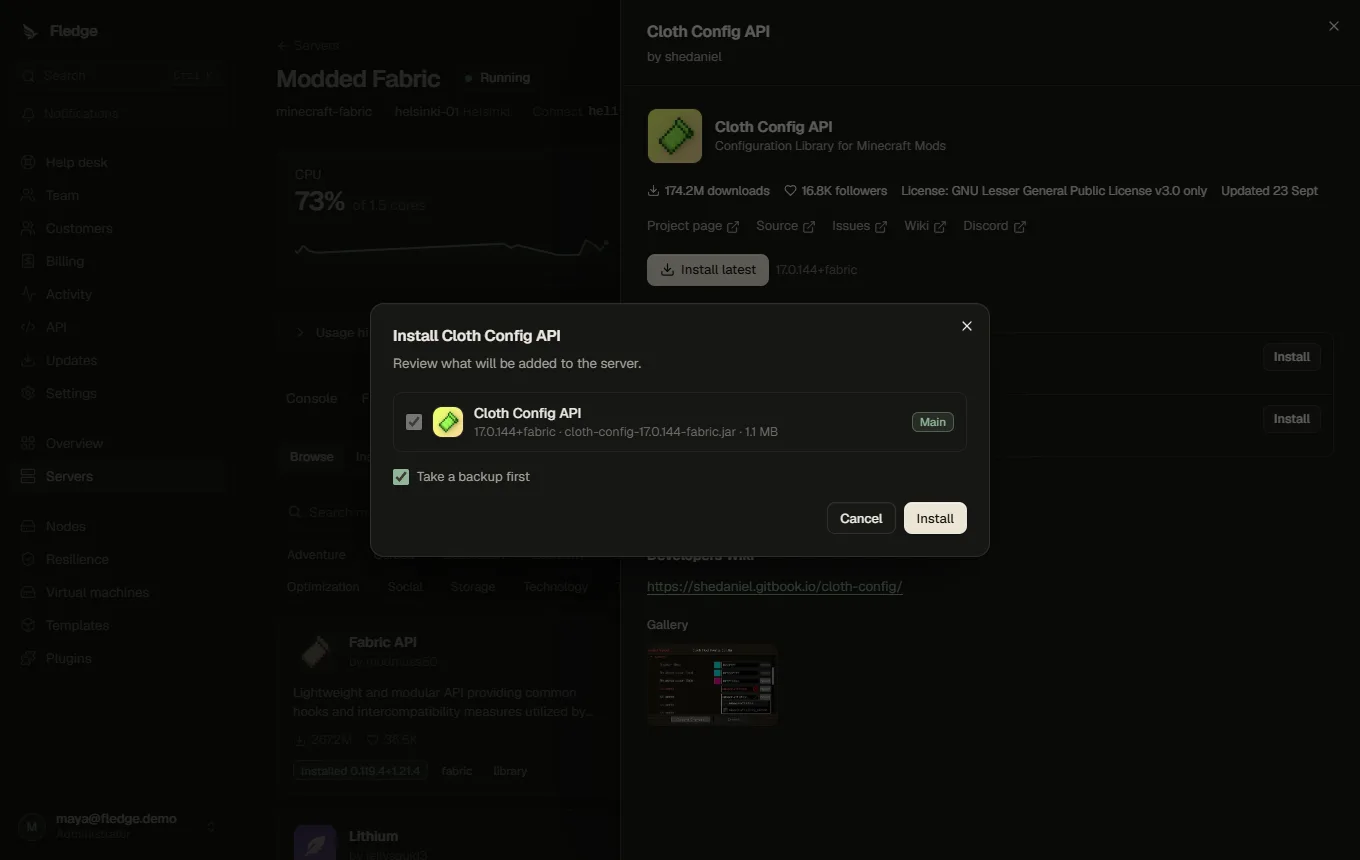
- Pick a version (the newest compatible release is preselected) and choose Install.
- Review the plan: required dependencies are added automatically, optional ones are offered, incompatible ones block the install, and pre-release builds are flagged. Existing files with the same name are called out.
- Optionally take a backup first.
- Confirm. The node downloads the file itself, verifies the SHA-512 the catalog published, then writes it. Nothing is written when the checksum does not match.
An add-on takes effect after the server restarts; the tab shows a restart banner.
Manage installed add-ons
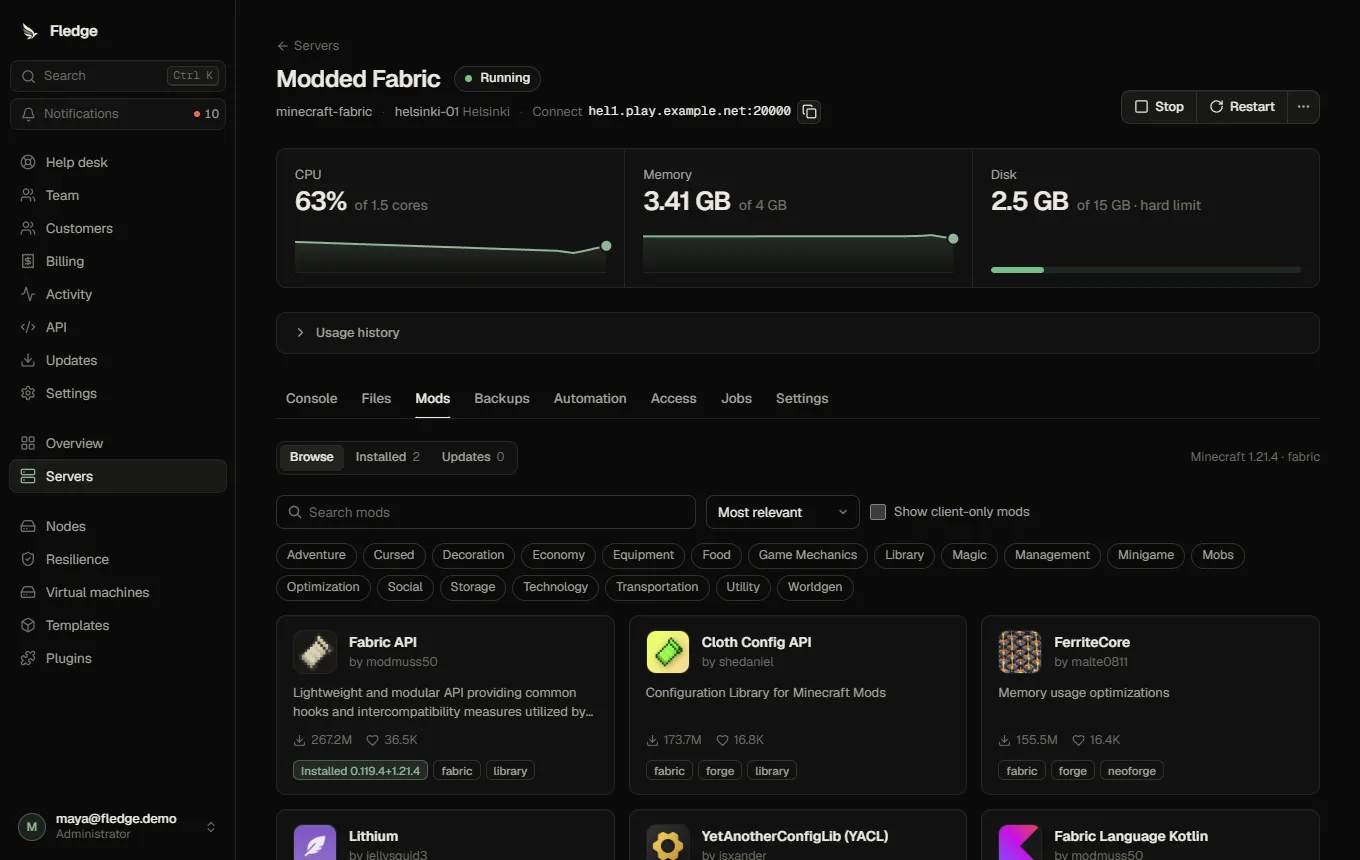
| Action | What happens |
|---|---|
| Disable / Enable | The file is renamed to *.jar.disabled and back |
| Pin | Excluded from "update all" |
| Update / Update all | Downloads the new version, verifies it, and only then replaces the old file. A failed update leaves the working version in place |
| Remove | Deletes exactly the tracked file |
| Unmanaged | Lists jars in the folder that Fledge did not install, so you can see what else is there |
An add-on with a job in flight cannot be changed again until the job finishes. If a node never reports back, the row is cleaned up automatically after a while.
Requirements and limits
- The node agent must be 0.6.1.1 or newer; the tab explains when it is not.
- Only
.jarfiles are installed; modpacks and datapacks are not supported. - The catalog's download hosts are limited to the hosts its plugin declared and you approved.
- Fledge does not scan jars: a checksum shows the file is what the catalog named, not that it is safe. Install add-ons from sources you trust.
- Everything is written to the audit log (
addon.install,addon.update,addon.remove, ...).
See Using the plugin store to install the Modrinth plugins, and the template add-on rules to enable add-ons for your own templates.