
Quickstart
About ten minutes from nothing to a running game server. You need one machine with Docker for the panel, and one Linux machine with Docker for the game node (they can be the same machine for a trial).
1. Install the panel
sh
git clone --depth 1 --branch main https://github.com/kavaliersdelikt/fledge.git fledge && cd fledge && sh ./install.shpowershell
git clone --depth 1 --branch main https://github.com/kavaliersdelikt/fledge.git fledge; Set-Location fledge; powershell.exe -NoProfile -ExecutionPolicy Bypass -File .\install.ps1The installer keeps an existing .env, generates private secrets for a new one, starts Docker Compose and waits for the health checks. Open http://localhost:3000.
See Install for the details and the manual route.
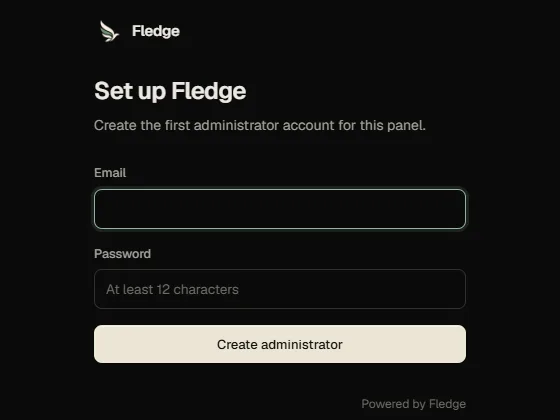
2. Create the administrator
The first visit creates the super administrator account and asks you to enrol an authenticator app. Save the recovery codes it shows; they are the only way back in if you lose the device.
3. Add a node
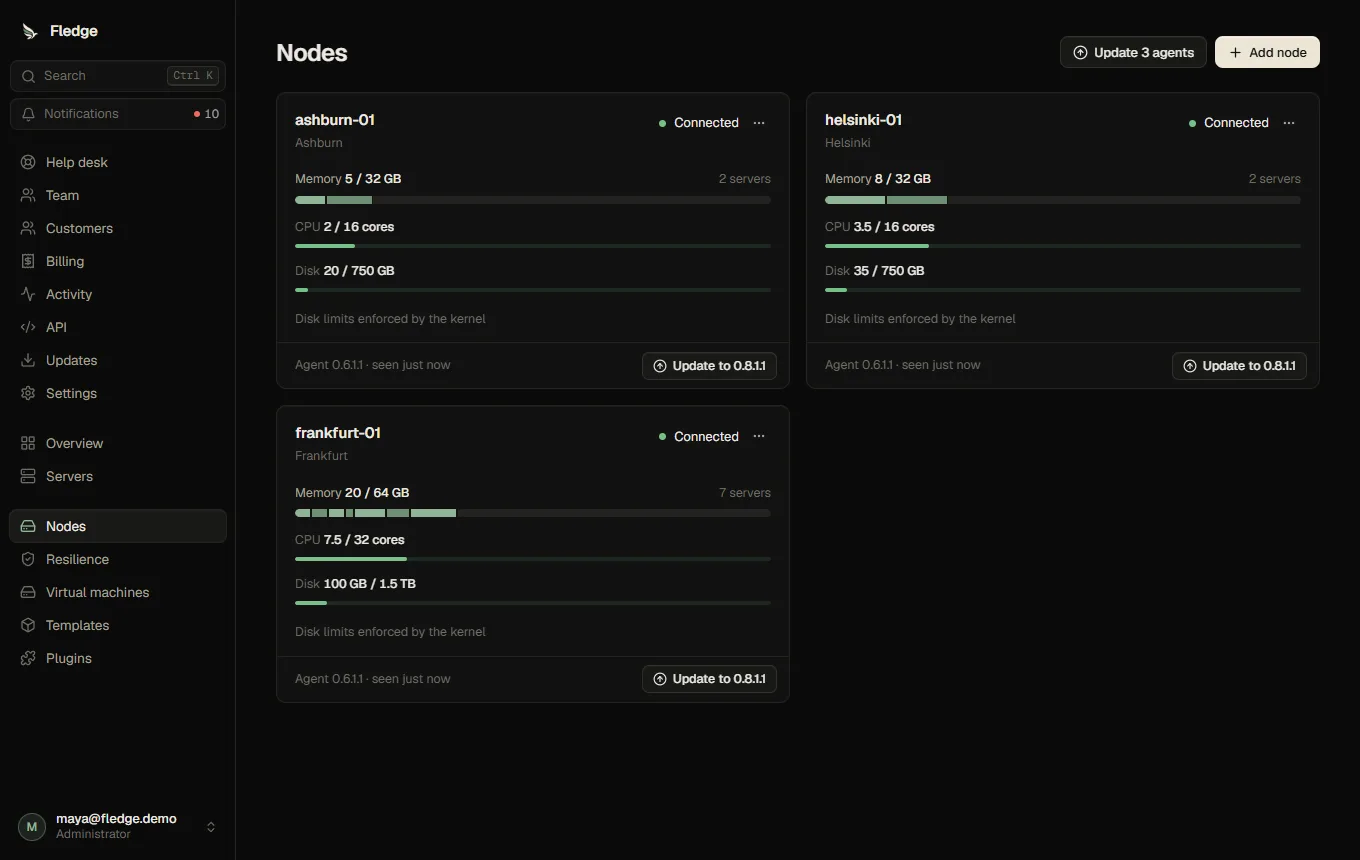
- Open Nodes and register the node: a name, a location label and its capacity (memory, CPU, disk).
- Choose Connect a node to get a one-time command (valid for ten minutes) and run it on the Linux host. The host needs Docker Engine and systemd already installed. See Connect a node.
- The node turns connected within seconds.
4. Create a customer and a server
- Customers → New customer. Fledge shows a temporary password once (or emails an invitation if email is configured).
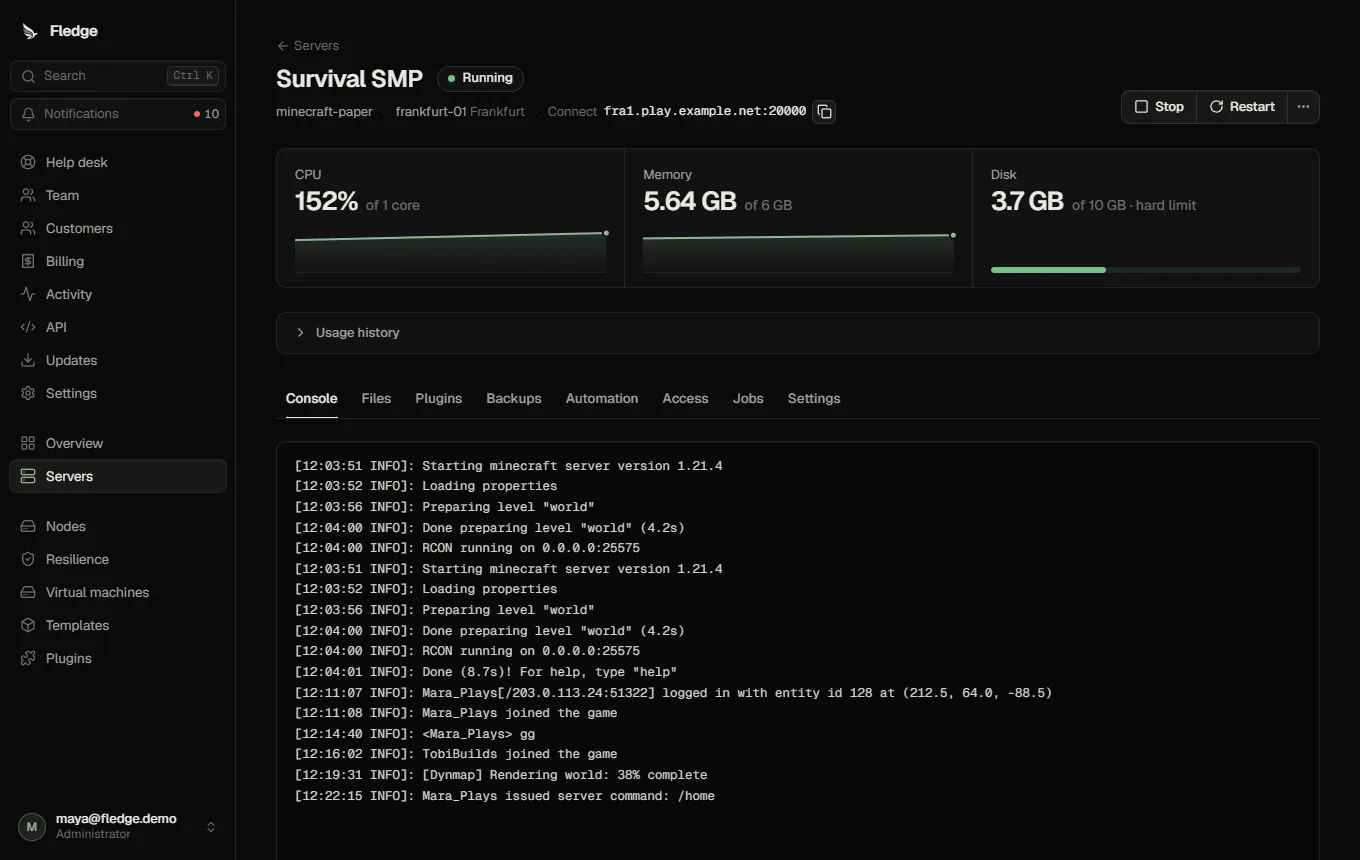
- Servers → New server: pick the customer, a template (for example Minecraft Paper), and resources.
- The server is placed on a node with room and started. Watch it in the live console.
Next steps
- Turn on backups (object storage) so you can restore and use failover.
- Put the panel behind TLS before exposing it.
- Install the Modrinth plugins to add mods and plugins from the server page.
- Add schedules and crash protection.
Invite additional administrators and delegate grants through Team.