
Clone a server
Administrators can copy a server from the More menu next to the power buttons (Clone…).
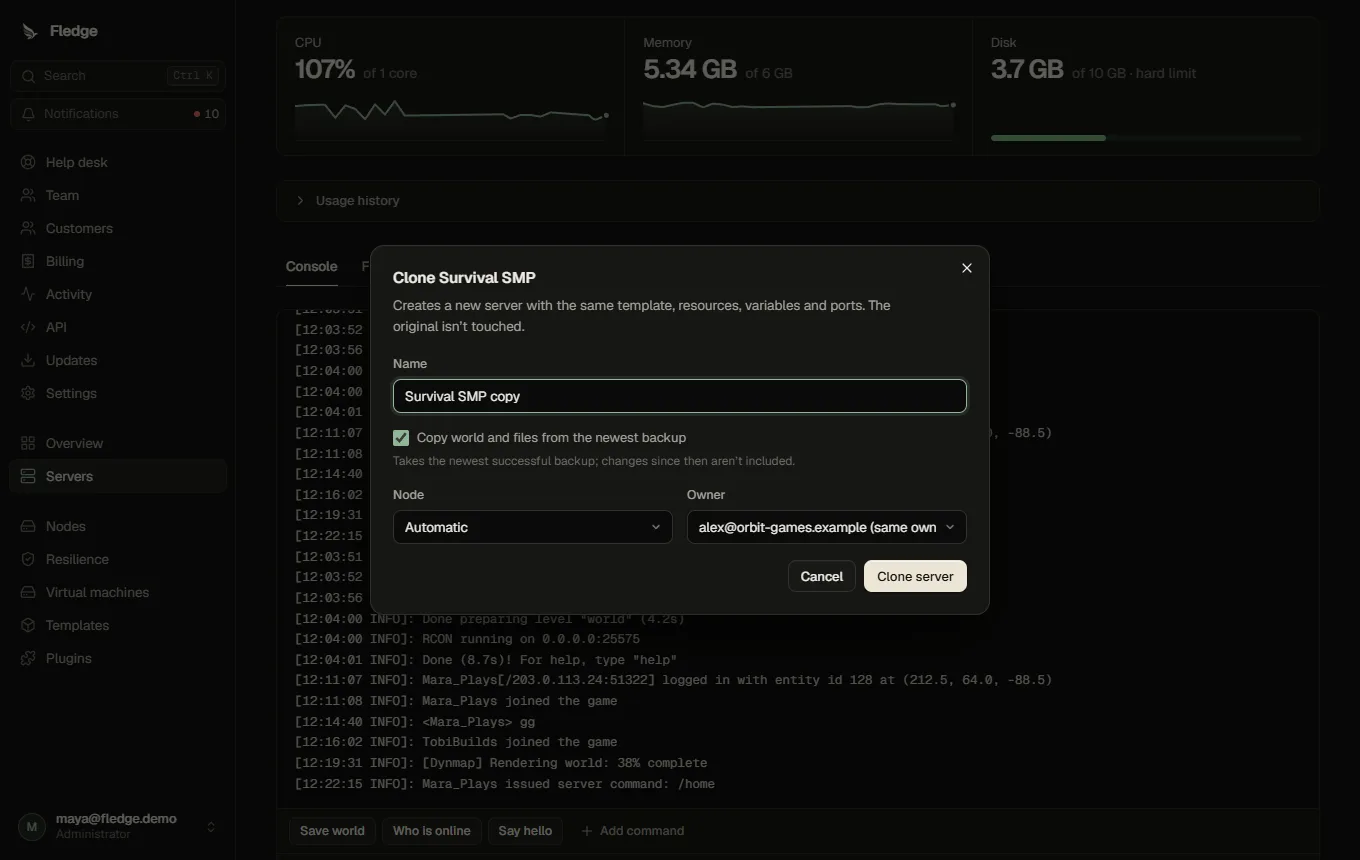
A clone copies:
- the template, resources, variables (the RCON password is regenerated) and extra ports,
- optionally the data, from the server's newest successful backup (or one you pick),
and creates a new server with a new name, for the same or another customer, placed on a node with room (same location by default, or choose a node or location).
Notes:
- Copying data needs object storage and an existing successful backup; take one first.
- The clone starts stopped, so you can adjust it before it first runs.
- The new owner's quota applies (administrators can override).
- Ports are allocated afresh on the target node.