
Files and SFTP
File manager
The Files tab browses the server's data directory: open folders, edit text files in the browser (up to 1 MiB), create, rename, move, copy and delete, download single files or folders, and drag-and-drop to upload.
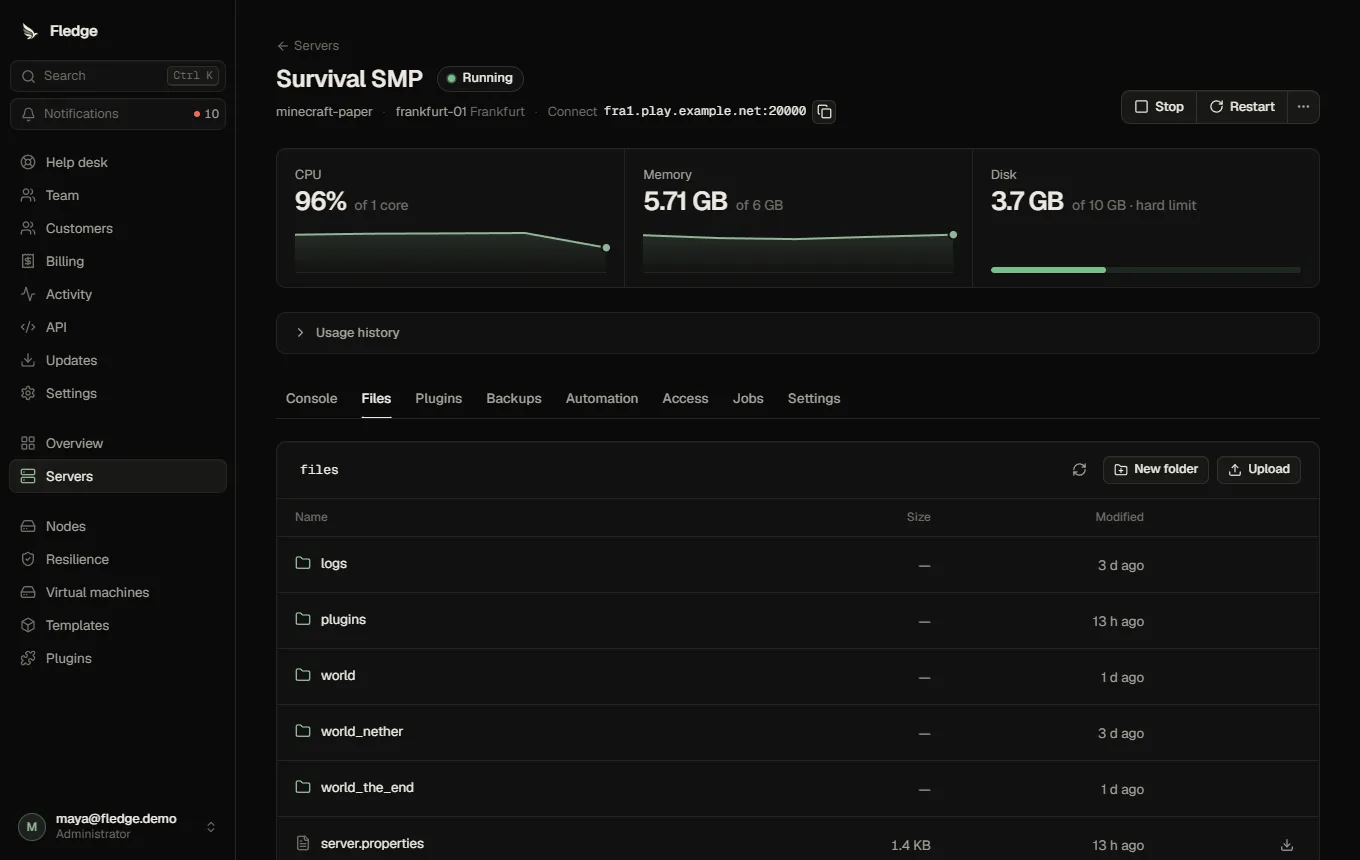
- Uploads and downloads go through the API (or through object storage when it is on) and are limited to 1 GiB per transfer.
- Paths are resolved with the same safe-path code the node uses for everything else: symlinks and
..cannot escape the server's folder. - Changes to files while the game is running take effect according to the game; many games read configuration only at start.
SFTP
Administrators turn SFTP on under Settings → Panel → Node agents and choose its port. Each server then offers temporary SFTP credentials (username and password valid for a limited time), for tools that do not work with a browser. Set a node's Public address so the credentials show the right host.
SFTP uses the same data directory and the same disk limit as the game.
Permissions
The files permission is required, for users and for plugins acting on a user's behalf (for example the add-on installer).