Virtual machines
Mews adds an opt-in Linux x86-64 KVM/libvirt runtime alongside Docker. Containers remain the default; a server's runtime cannot change after creation.
Operators: start with the linked VM host setup guide. After the agent reports ready, turn on Allow new VMs on this node in the panel's Virtual machines → Nodes tab. Host packages and routing must be prepared first.
Prepare a host
Follow VM node setup before enabling templates. In Virtual machines, administrators register checksum-verified cloud images, installation ISOs and driver ISOs, immutable hardware profiles, and configured libvirt networks with address pools. Disable an entry to prevent new use; running guests keep their approved configuration. Changes require a new catalogue entry.
A profile sets installation-first or disk-first boot order, vCPU and memory ceilings, initial disk size, total storage, BIOS/UEFI, Secure Boot, TPM, disk and network adapters, and desktop/serial availability. One vCPU reserves 100 CPU quota units. Node placement and purchases require compatible capabilities, available storage and a free pool address.
Create and install
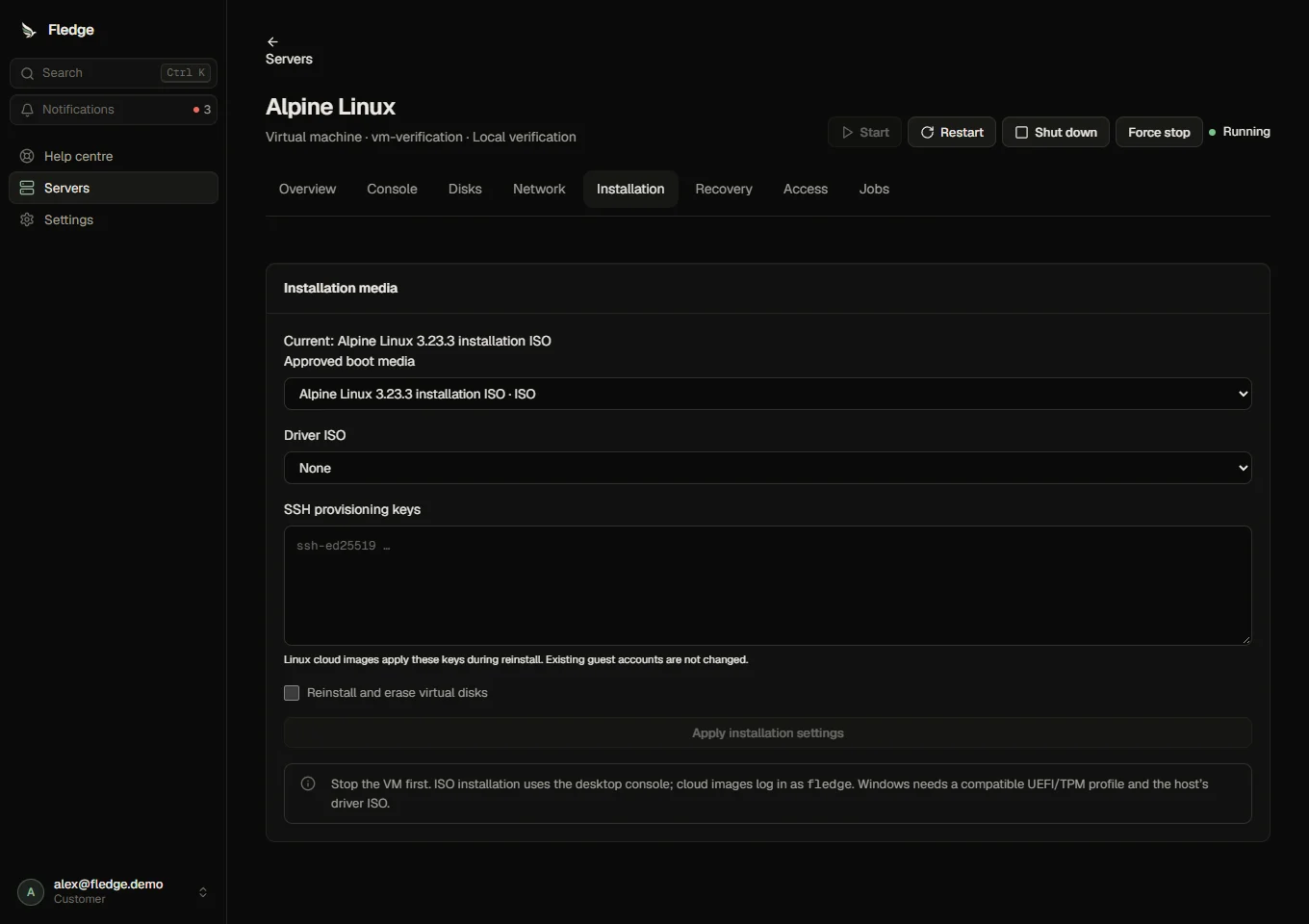
Choose a VM template in server creation or a hosting plan. Linux cloud images require OpenSSH public keys. Cloud-init creates the fledge account with sudo, assigns the hostname and address, and disables password login by default. Password provisioning is available only on profiles that permit it; initial passwords are encrypted in the panel and omitted from normal responses.
For manual installation, use an approved Linux or licensed Windows ISO. Windows profiles require UEFI and TPM 2.0. Attach a host-approved VirtIO driver ISO under Installation when needed. Fledge does not distribute Windows licences or accept private ISO uploads.
Consoles and controls
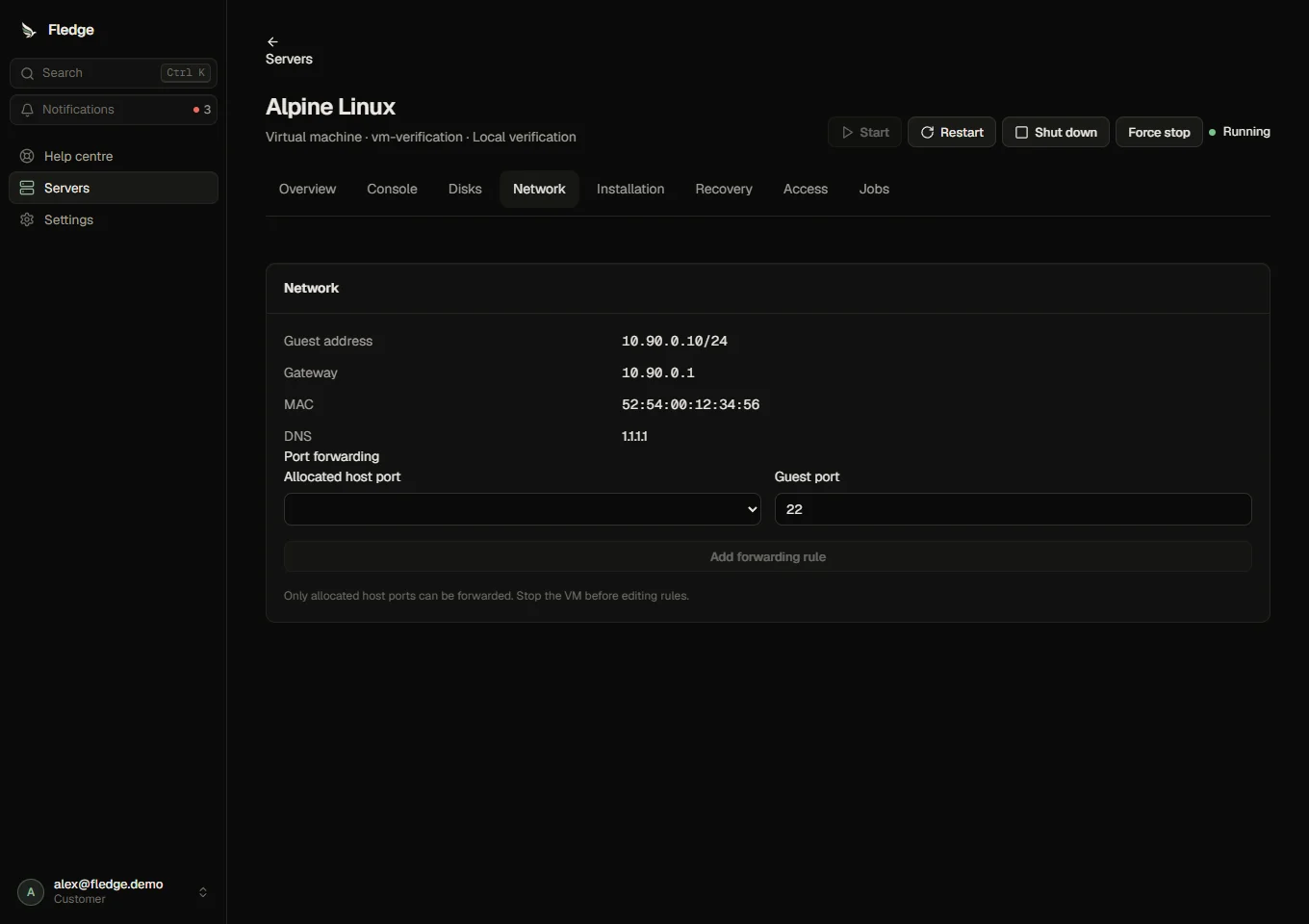
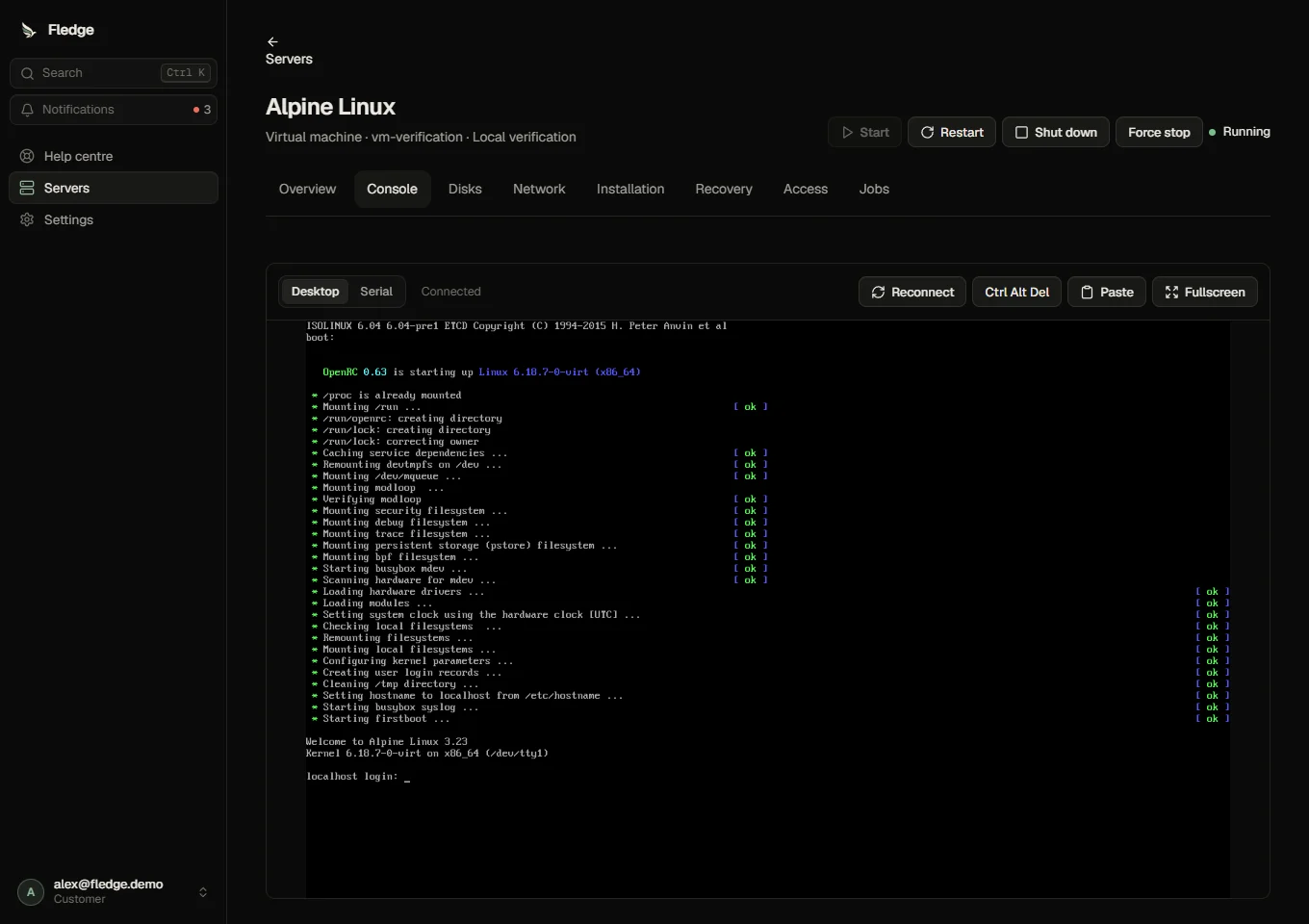
The VM workspace has Overview, Console, Disks, Network, Installation and Recovery, plus access and jobs. Container file management, SFTP, game commands and add-ons are unavailable. Desktop access uses noVNC; serial access requires a guest configured for its first serial port. Reconnect issues a new ticket. Clipboard paste is explicit and depends on guest clipboard support. Fullscreen and Ctrl+Alt+Delete are available for desktop sessions.
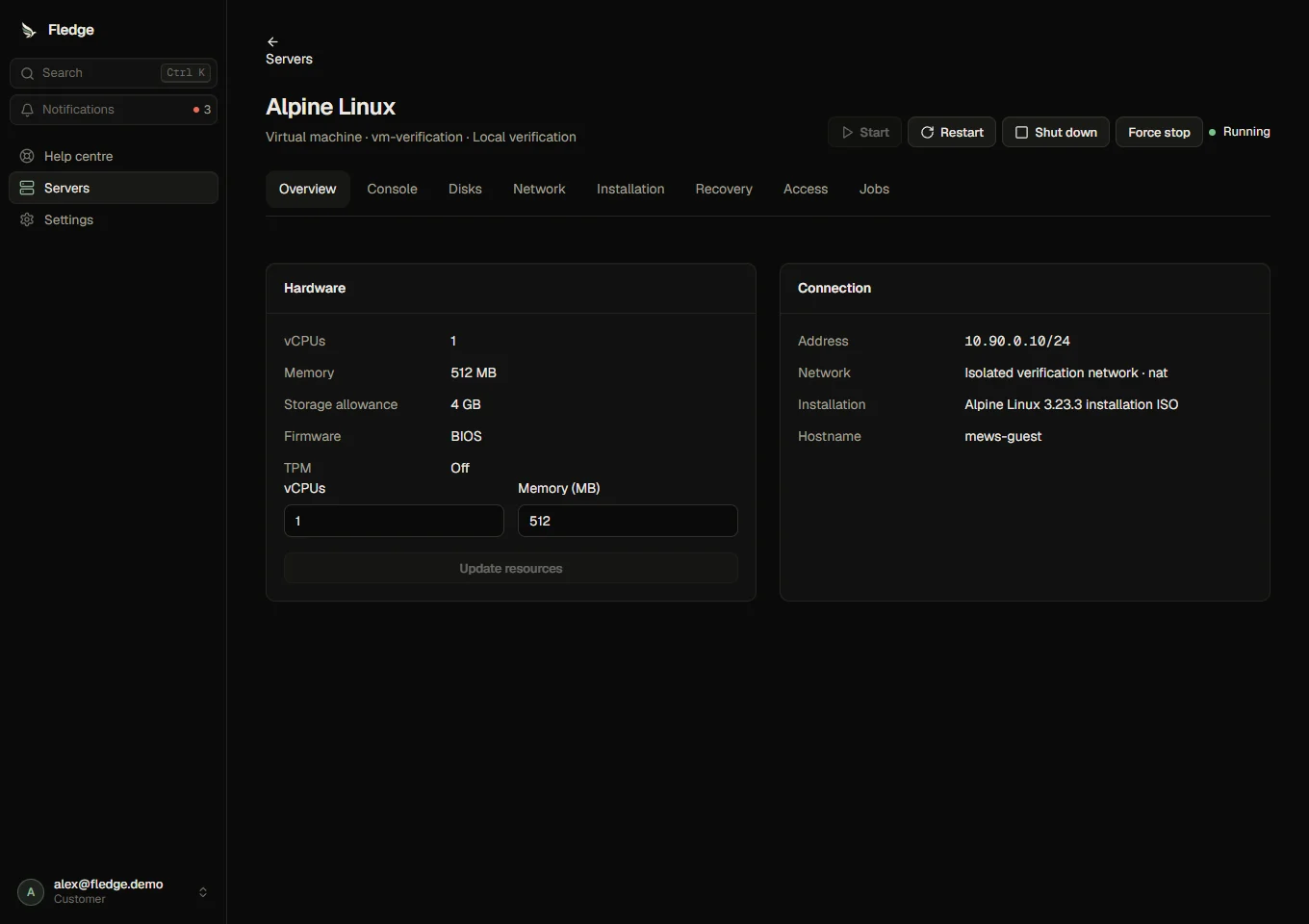
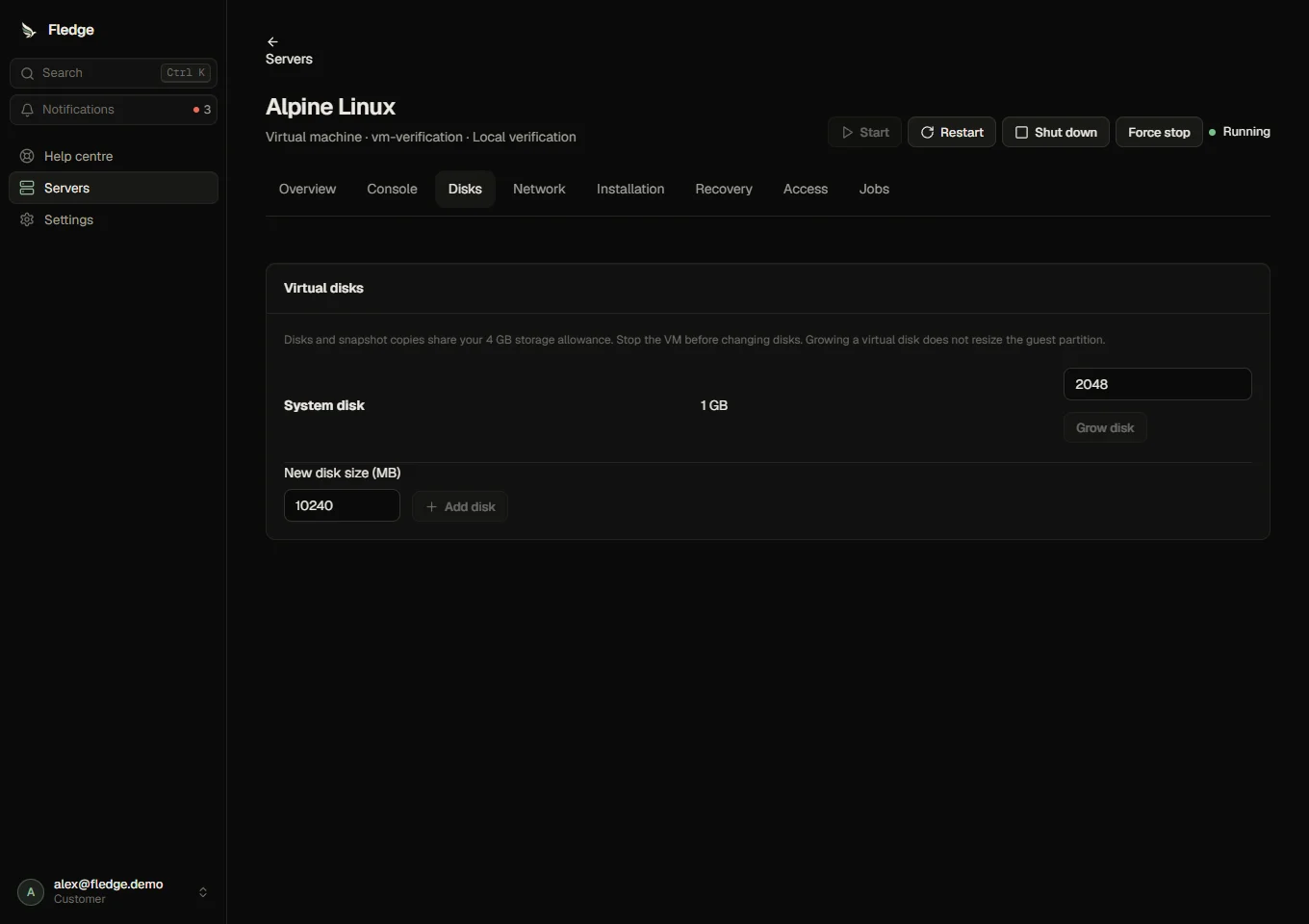
Stop the guest before resource changes, disk growth, port-forward changes, installation, snapshots and recovery. Resource changes must fit the profile, account limits, purchased plan and current node capacity. Disk shrinking is refused. Growing a disk does not resize its partitions or filesystem; do that inside the guest.
NAT guests use allocated TCP/UDP host ports. Allocate a service port, then add its forwarding rule. Routed guests receive an address from a host-managed IPv4 or IPv6 pool and need an upstream route. Guests cannot choose a bridge or arbitrary address. Configure service filtering inside the guest as well.
Recovery
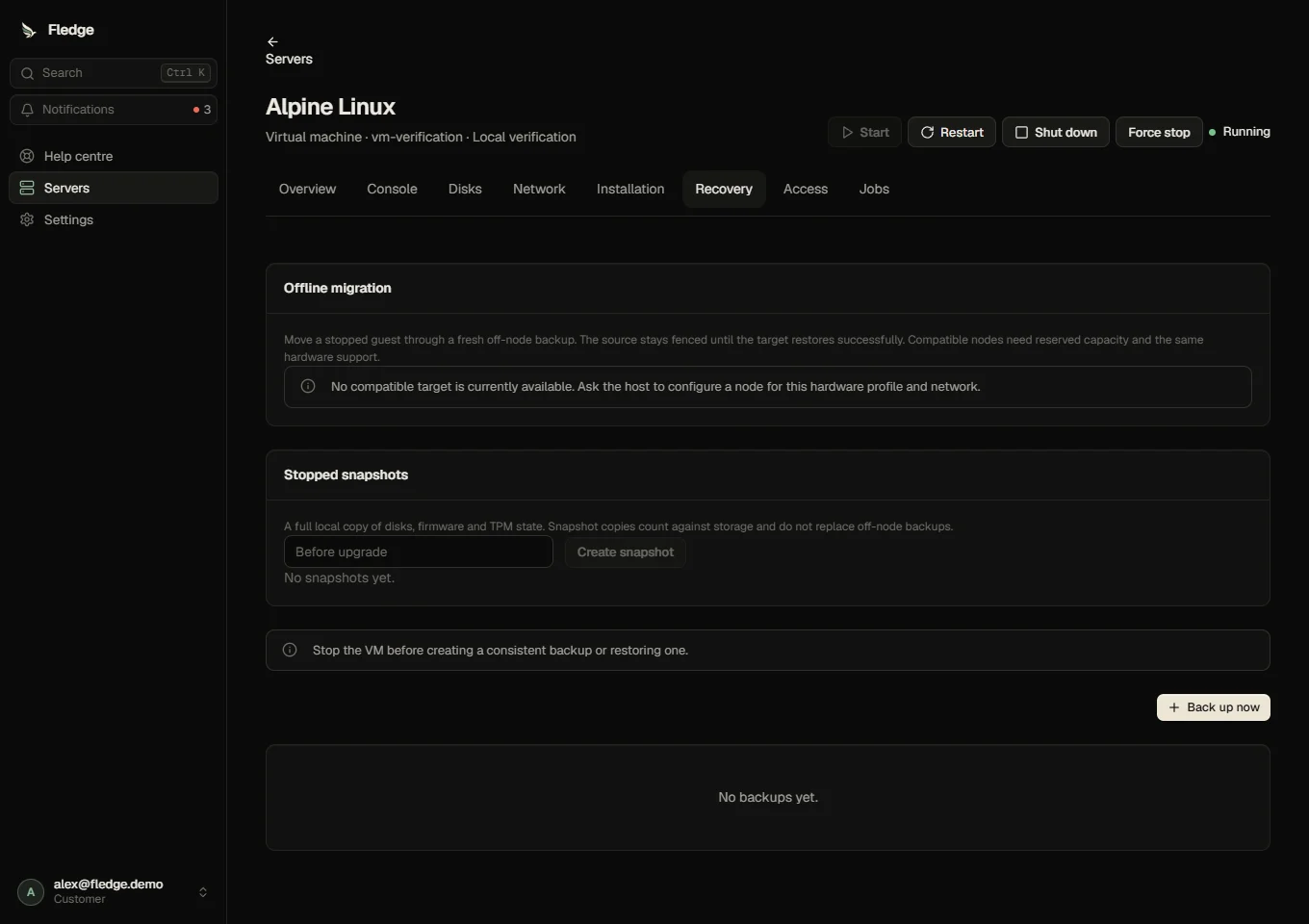
Stopped snapshots copy disks, UEFI variables and TPM state locally. Each copy reserves its full disk sizes against the storage allowance. They are not off-node backups. Full backups include configuration, disks and firmware/TPM state; the configured transfer ceiling applies. Stop the VM first, and enable object storage before creating a backup.
Backup restore retains machine identity and approved hardware. Offline migration uses the existing migration/failover controls with a complete backup, compatible target and source fencing. An address stays assigned only when the target belongs to the same configured pool. Moving to another pool requires a separately planned network change; it is not automatic. Live migration, passthrough and shared storage are deferred.
Account, billing and administrator holds deny customer VM mutations and consoles. Existing deletion cooling and retention rules still apply. See VM security and permissions.
Verification limits
Production requires /dev/kvm; software emulation is not a runtime fallback. Release checks distinguish HTTP/database contracts, Linux agent checks and actual guest tests. Hardware-dependent KVM, Windows, Secure Boot and TPM verification must be recorded in the Mews release notes, rather than inferred from API tests.
Full backups apply BACKUP_MAX_BYTES to both the compressed upload and expanded contents (64 GiB by default). Set the same value on the API and agents before offering larger guests. Disk and snapshot reservations count virtual capacity; qcow2 metadata and temporary restore copies also require free host space.
Owners and collaborators with manage and backup access can request an offline move under Recovery. Only compatible host-approved targets appear. Stop the VM first. Capacity and pool availability are checked before queuing a fresh backup and again at the committed move. The source remains fenced while the target restores; it is evicted only after successful recovery.
Keeping the same pool preserves the address. Administrators can explicitly select a different approved pool; this assigns a new address and requires updating the guest network configuration through its console. Guests do not automatically resize partitions or adopt new network settings merely because the host configuration changed.