
Extra ports
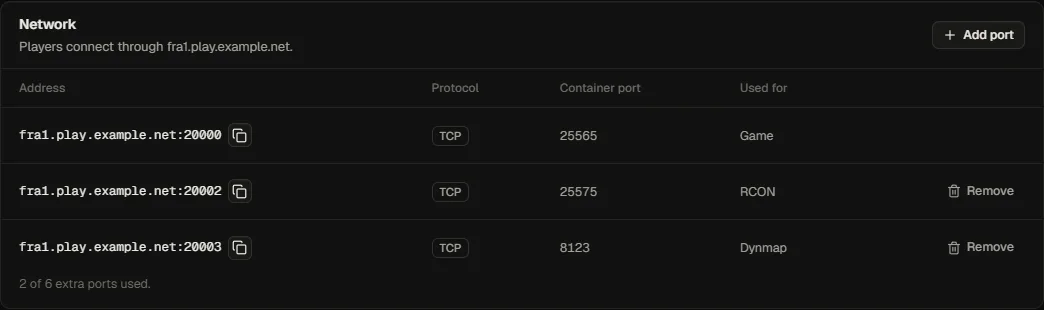
A template declares the ports a server needs (for Minecraft: 25565/tcp). When a server needs more (RCON, query, voice, a map plugin), add extra ports on Settings → Network.
- Choose the container port and protocol (
tcporudp) and an optional label. - Fledge allocates the next free host port next to the server's base port on its node (up to 100 above it), so the whole block stays together.
- The container is recreated with the new mapping. A stopped server stays stopped.
Rules:
- At most 20 extra ports per server.
- A container port and protocol can be mapped once, including against the template's own ports.
- Template ports cannot be removed here.
- Suspended servers cannot get or lose ports.
- Customers can add ports only within their extra ports quota; without a quota they ask their provider.
- Extra ports move with the server on planned moves and failover, and are cloned with Clone a server.
The allocation table in the database (allocations) is what prevents two servers from sharing a host port.